Measurement 7 min read
utm_source=chatgpt.com: What It Means in Your URL and Analytics
It is a label, not a tracker. If you saw it in a link, you can delete it. If you own the site, it is the most reliable AI-traffic signal you have, and it still undercounts.

Founder, SEO·AEO·GEO
Builds SEO·AEO·GEO and writes the crawler, schema, and citation research published here.
Key takeaways
- utm_source=chatgpt.com is a label ChatGPT adds to links so the destination site’s analytics can credit ChatGPT; the tag itself carries nothing about the reader.
- Deleting it from a link you share is harmless; site owners should keep it and handle duplicate URLs with rel=canonical.
- It only counts clicks on tagged links, so copied links, typed URLs and later brand searches never show up as ChatGPT.
- In GA4 the same source can appear as chatgpt.com / ai-assistant, / referral or / (not set); a channel group that matches on Source joins them.
- On 13 October 2026 chatgpt.com used the strict-origin-when-cross-origin referrer policy, so HTTPS sites also receive the referrer and plain-HTTP sites receive none.
utm_source=chatgpt.com is a tag ChatGPT adds to the links it shows, so the website you land on can tell its analytics tool that the visit came from ChatGPT. The tag contains only the text chatgpt.com: nothing about you, your account or what you asked. Deleting it from a link changes nothing for you. For a site owner it is the most reliable AI-referral signal there is, but it only counts clicks on tagged links, so treat it as a floor, not a count.
What the tag means
UTM parameters are labels that analytics tools read from the end of a URL. Google Analytics defines utm_source as the “Referrer” of a visit, with examples such as google or newsletter4. When ChatGPT links to a page, the address you land on looks like this:
https://example.com/pricing?utm_source=chatgpt.comOpenAI’s Publishers and Developers FAQ says ChatGPT automatically adds utm_source=chatgpt.com to referral URLs so publishers can measure that traffic. OpenAI’s help centre refuses automated requests, so we could not load the page ourselves on 13 October 2026; the wording comes from its indexed copy and matches what site owners see in their reports. OpenAI documents only the source; it mentions no utm_medium or utm_campaign, and Google notes that “Missing UTM parameters will result in (not set) values being present in reporting”, which matters below.
Is it safe, and can I remove it?
Yes and yes. If you are copying a link to share, delete utm_source=chatgpt.com together with the ? or & in front of it. Leave any other parameters alone: they may be needed to load the right product, search or page.
- https://example.com/guide?utm_source=chatgpt.com becomes https://example.com/guide
- https://example.com/shoes?size=9&utm_source=chatgpt.com becomes https://example.com/shoes?size=9
Removing it does not hide you from the site. Your browser makes the same request either way; the only difference is that the site’s analytics can no longer credit ChatGPT for the visit.
Should a site owner strip it?
No. A server-side redirect that drops the query string before your analytics tag runs throws the attribution away on the first page view. Deal with the duplicate URL the normal way instead:
- Put a rel=canonical on every page pointing at the clean URL, so search engines and AI crawlers treat the tagged and untagged addresses as one page. The details are in canonical URLs and Open Graph for AI citations.
- If your CDN includes query strings in its cache key, every tagged URL is a separate cache entry. Most CDNs can ignore utm_ parameters in the cache key; change that setting rather than stripping the tag.
Where ChatGPT traffic shows up, and where it can’t
The tag travels inside the URL, so it survives even when a browser or app drops the referrer. What it cannot survive is the link not being clicked.
| What the person did | What your analytics records | Counted as ChatGPT? |
|---|---|---|
| Clicked a source or citation link in ChatGPT on the web | Source chatgpt.com, from the tag and the referrer | Yes |
| Tapped a link in the ChatGPT mobile or desktop app | Source chatgpt.com if the link was tagged. OpenAI does not document every app surface, and third-party guides say some app clicks arrive untagged (unverified) | Usually |
| Copied the address without the tag, or typed your domain | Direct | No |
| Read your brand name, then searched for it on Google | Organic Search, as a brand query | No |
| Asked a question that made ChatGPT fetch your page with ChatGPT-User | Nothing in GA4, which excludes known bots; a ChatGPT-User line in your server logs | No |
| Read the answer and never clicked | Nothing you can see | No |
The last two rows are the big ones. Practitioners report again and again that people act on an assistant’s recommendation later, by typing the name, and the tag never sees that visit. The tag measures clicks, not influence.
What we observed on 13 October 2026
We requested the public entry page of each major assistant and read the referrer policy it sets. That policy decides whether a browser tells your site where a click came from. Under the default policy, strict-origin-when-cross-origin, MDN explains that cross-origin requests send only the origin, and nothing at all from HTTPS to HTTP.
| Assistant | Host your analytics shows | Policy we saw | What your site receives |
|---|---|---|---|
| ChatGPT | chatgpt.com | strict-origin-when-cross-origin (HTTP header) | https://chatgpt.com/ on HTTPS sites; nothing on plain-HTTP sites |
| ChatGPT, old address | chat.openai.com | 308 permanent redirect to chatgpt.com | Appears only in older data |
| Gemini | gemini.google.com | origin (meta tag) | https://gemini.google.com/ |
| Microsoft Copilot | copilot.microsoft.com | origin-when-cross-origin (meta tag) | https://copilot.microsoft.com/ |
| Grok | grok.com | origin-when-cross-origin (HTTP header) | https://grok.com/ |
| Perplexity, Claude, Mistral Le Chat | perplexity.ai, claude.ai, chat.mistral.ai | Unreadable: our request got a bot challenge (403) | Check your own reports |
Two caveats. These were logged-out pages, and a single link inside an answer can override the page’s policy with rel="noreferrer", which we could not inspect without an account. And a referrer only ever names the site: no assistant tells you what the person asked. One practical finding: if your site still serves plain HTTP, ChatGPT’s policy sends no referrer at all, so untagged ChatGPT clicks become Direct.
Other assistants send referrers, not tags
We have not found vendor documentation of a UTM tag for Perplexity, Claude, Gemini or Copilot, so their visits are identified by the referrer alone. Cloudflare’s bot reference lists the referrer domains per company: openai.com and chatgpt.com for OpenAI, anthropic.com and claude.ai for Anthropic, perplexity.ai for Perplexity. Google’s own AI answers are the exception that trips people up: clicks from AI Overviews and AI Mode come from google.com and stay in Organic Search, and Google’s definition of the GA4 AI Assistant channel says it “excludes Google’s AI Overviews and AI Mode”. Copilot answers inside Bing search arrive as bing, which GA4 lists as a search engine.
How to find ChatGPT visits in GA4
- Open Reports > Acquisition > Traffic acquisition.
- Change the table’s primary dimension to Session source / medium.
- Type chatgpt into the search box above the table.
| Row | Channel it lands in | Why |
|---|---|---|
| chatgpt.com / ai-assistant | AI Assistant | GA4 recognised ChatGPT as the referrer; this channel has existed since 13 May 2026 |
| chatgpt.com / referral | Referral | Usually older sessions, from before the AI Assistant channel reached your property (Search Engine Journal observed the same split) |
| chatgpt.com / (not set) | Unassigned | The tag set a source but no medium |
To report those rows as one number, build a custom channel group that matches on Source rather than Medium. Our guide to the GA4 AI Assistant channel has a regex covering every major assistant, tested on 13 October 2026, and custom channel groups apply to past data too. To see which pages ChatGPT sends people to, open Explore > Free form, add Landing page + query string as a row, and filter Session source to chatgpt.com.
Treat it as a floor, not a count
The tag cannot see the larger effect: people who read your name in an answer and come back another way. Two cheap additions close part of the gap. Add an “AI assistant (ChatGPT, Gemini, Copilot…)” option to your “How did you hear about us?” field, and use the Search Console and Bing AI reports, which count exposure rather than clicks. Our guide on how to measure AI visibility puts all of them into one monthly routine.
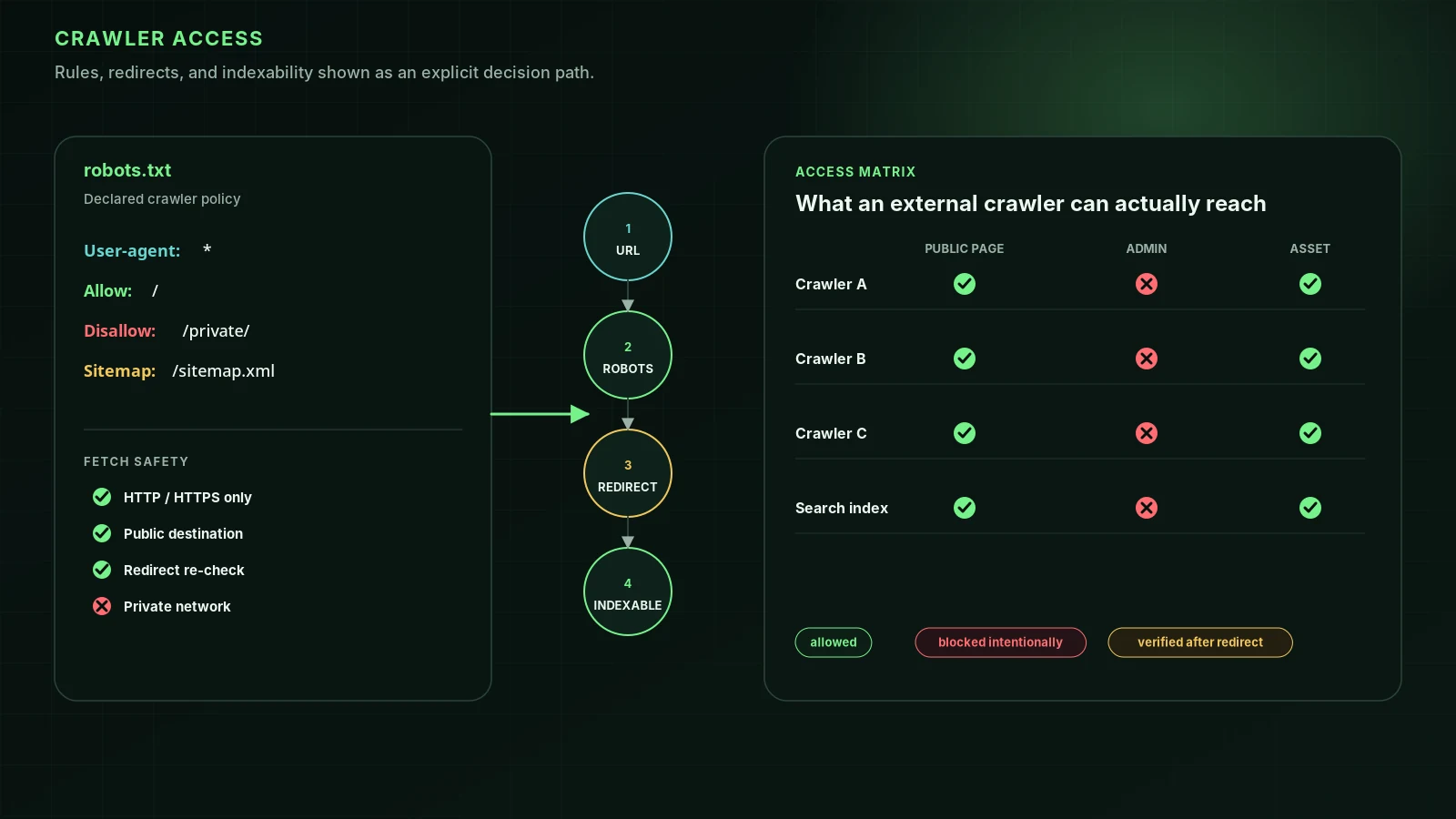
And ChatGPT can only link to pages its search crawler is allowed to reach. OpenAI says sites opted out of OAI-SearchBot “will not be shown in ChatGPT search answers”. Run a free audit to check your robots.txt and firewall for OAI-SearchBot, and read GPTBot vs OAI-SearchBot before you block AI training.
FAQ
What does utm_source=chatgpt.com mean?+
It means the link was clicked inside ChatGPT. ChatGPT adds the tag to links it shows so the destination site’s analytics can credit the visit to ChatGPT. The tag contains only the text chatgpt.com, nothing about you or your conversation.
Is utm_source=chatgpt.com safe? Is it tracking me?+
It is a label, not a tracker. It only tells the website’s analytics that the click came from ChatGPT. The website sees your visit the same way it sees any other visit, with or without the tag.
How do I remove utm_source=chatgpt.com from a link?+
Delete utm_source=chatgpt.com together with the ? or & just before it, and keep the rest of the link. Leave any other parameters in place, because the page may need them. The page loads the same either way.
Why does Google Analytics show chatgpt.com / (not set)?+
ChatGPT sets a source but no medium, and Google says missing UTM parameters result in (not set) values. Those sessions often land in the Unassigned channel. A custom channel group that matches on Source puts them back with the rest of your ChatGPT traffic.
Does utm_source=chatgpt.com count visits from the ChatGPT app?+
Only when the link that was tapped carried the tag or the app passed a referrer. OpenAI does not document how every app surface handles outbound links, so treat app traffic as partly invisible.
Do Perplexity, Gemini or Claude add a similar tag?+
We have not found vendor documentation of one. Their visits are normally identified by the referrer instead, such as perplexity.ai, gemini.google.com or claude.ai. Visits that arrive with neither a tag nor a referrer show up as Direct.
Sources
- Publishers and Developers – FAQ — OpenAI Help Center
- Overview of OpenAI Crawlers — OpenAI
- URL builders: Collect campaign data with custom URLs — Google Analytics Help
- Default channel group — Google Analytics Help
- What’s new in Google Analytics (New AI Assistant traffic measurement) — Google Analytics Help (2026-05-13)
- Bots reference: referrer domains by operator — Cloudflare AI Crawl Control docs (2026-04-23)
- Referrer-Policy header — MDN Web Docs
- GA4’s AI Assistant channel undercounts your AI traffic: how to build one that doesn’t (third-party analysis) — Search Engine Journal (2026-07-15)
Run it on your domain
See this lens as a finding, not a lecture.
Free technical GEO audit. Evidence-traced scores, LLM-ready export, no login.
Audit your website