OutputUpdated 6 min read
SEO·AEO·GEO Reports: How to Read a Finding and Turn It Into a Fix
A score nobody can act on is a vanity metric. Every SEO·AEO·GEO finding says what was checked, what was found, what to change and how strong the evidence is behind it.

Founder, SEO·AEO·GEO
Builds SEO·AEO·GEO and writes the crawler, schema, and citation research published here.
Key takeaways
- Each finding names its category and check, gives a status and a plain-language message, and usually adds a recommendation and the measured value.
- Failing a blocking check (such as a robots.txt block or an empty raw HTML page) caps the whole score at 39, so fix blockers first.
- Checks that don’t apply to a page type are removed from both sides of the score, so a homepage isn’t marked down for having no byline.
- Every check shows its evidence grade and sources; unscored checks such as llms.txt and schema are reported for context and never flagged.
- The JSON export is the full report object, which an LLM or a developer can turn into changes without re-crawling the site.
An SEO·AEO·GEO report scores one page out of 100 across four categories (Retrieval, Extractability, Authority and Hygiene) and lists every check behind the number. Each finding says what was checked, what was found, what to change and how strong the evidence is that it matters. Start with anything marked as capping the score, then work down the biggest wins. When you want help applying the fixes, export the JSON or copy the report as Markdown and hand it to an LLM or a developer.
Anatomy of a finding
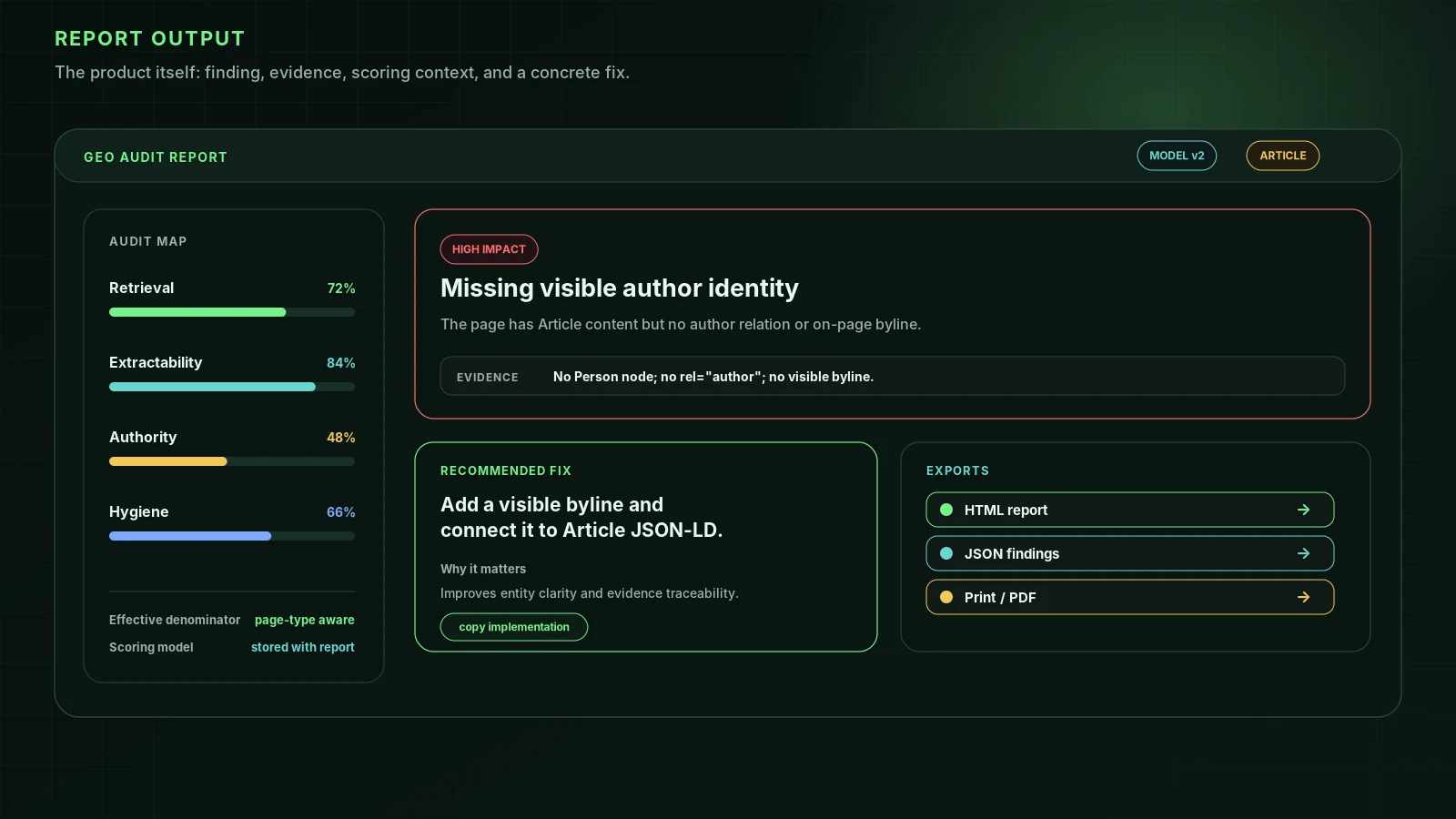
This is a real finding shape, as it appears in the JSON export for an article with no named author:
{
  "category": "authority",
  "check": "Author attribution",
  "status": "fail",
  "message": "No author is named.",
  "recommendation": "Add a visible byline, and an `author` in your Article schema.",
  "value": false
}| Field | What it holds | Why it is there |
|---|---|---|
| category | retrieval, extractability, authority or hygiene | Which part of the score the check feeds, and usually which team owns the fix |
| check | The check’s name, e.g. “robots.txt AI rules” | Matches the methodology table, where its points, evidence grade and sources are listed |
| status | pass, warn, fail, info (reported, never scored) or skip (doesn’t apply here) | Triage |
| message | What was found, in plain words | The evidence for the status |
| recommendation | What to change (optional) | The instruction a person or an LLM can act on |
| value | The measured value: a word count, a status code, the bots that were refused (optional) | Lets you check our reading against your own |
| blocker | true when this failure caps the score (optional) | Tells you what to fix first |
Around the findings, the report records the URL it landed on, the scoring model (modelVersion, currently 4.1.0), the detected page type, the score and grade, each category’s points and the cap they were scored against, and the checks that were skipped. In the report page, each finding that needs work also has a “why this is checked” note with its evidence grade and sources, and a “what we found” panel with the measured value.
How the score is built
- Points by category: Retrieval 67, Extractability 28, Authority 26 on articles and 18 on other pages, Hygiene up to 15. Retrieval carries the most weight because nothing else matters if an engine can’t fetch and read the page.
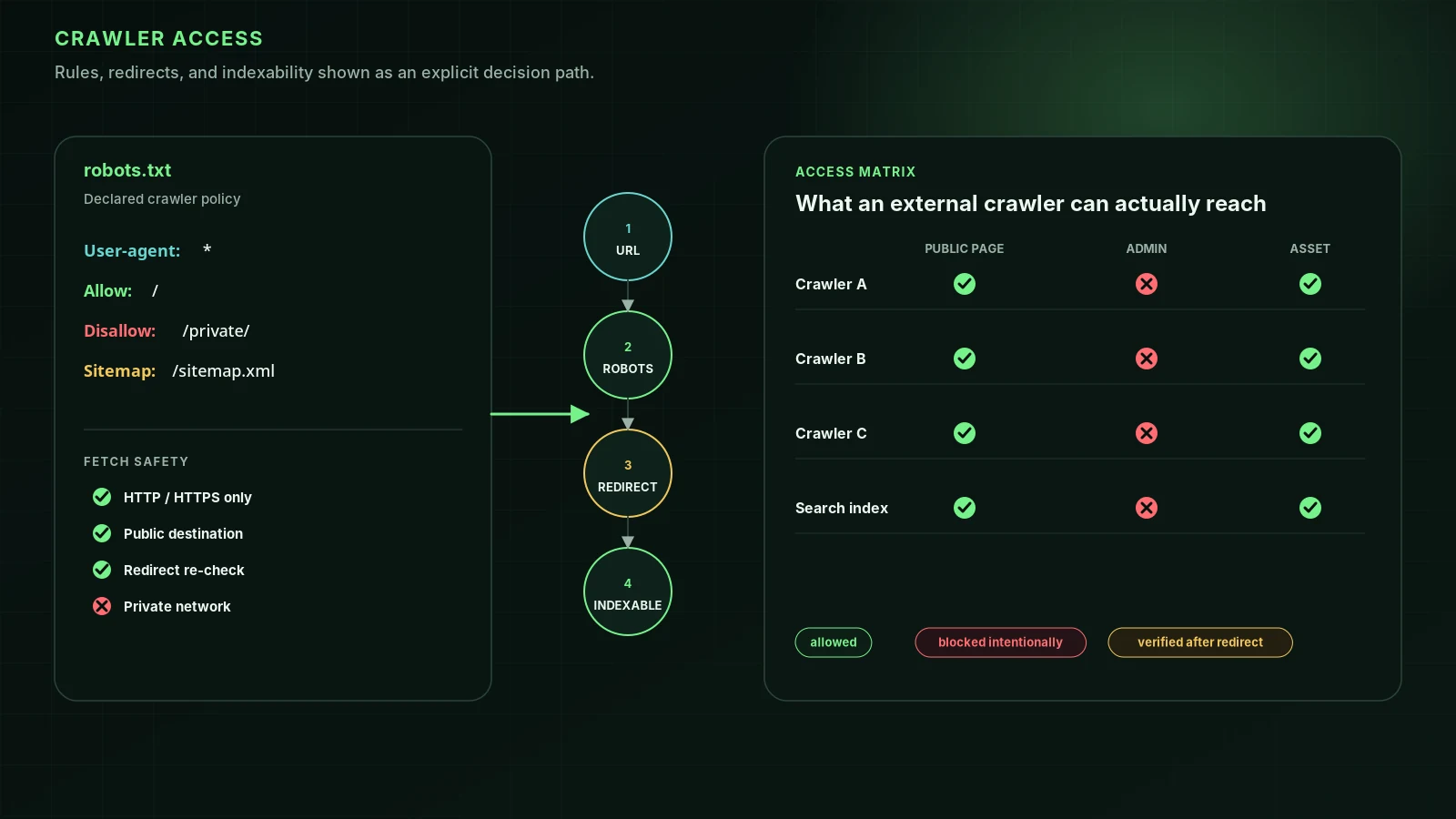
- Blocking checks: failing Page fetch, Indexability, robots.txt AI rules, Raw HTML visibility, Snippet controls, HTTPS or Soft 404 caps the whole score at 39, however well everything else does.
- Page type: the engine classifies the page as a homepage, article, product page or general page. Bylines and article dates are scored only on articles; other pages are judged on freshness signals instead.
- Skipped checks: anything that doesn’t apply, such as alt text on a page with no images, is removed from both the points earned and the points available, so it can’t pull the score down.
- Grades: A from 90, B from 80, C from 70, D from 60, F below that.
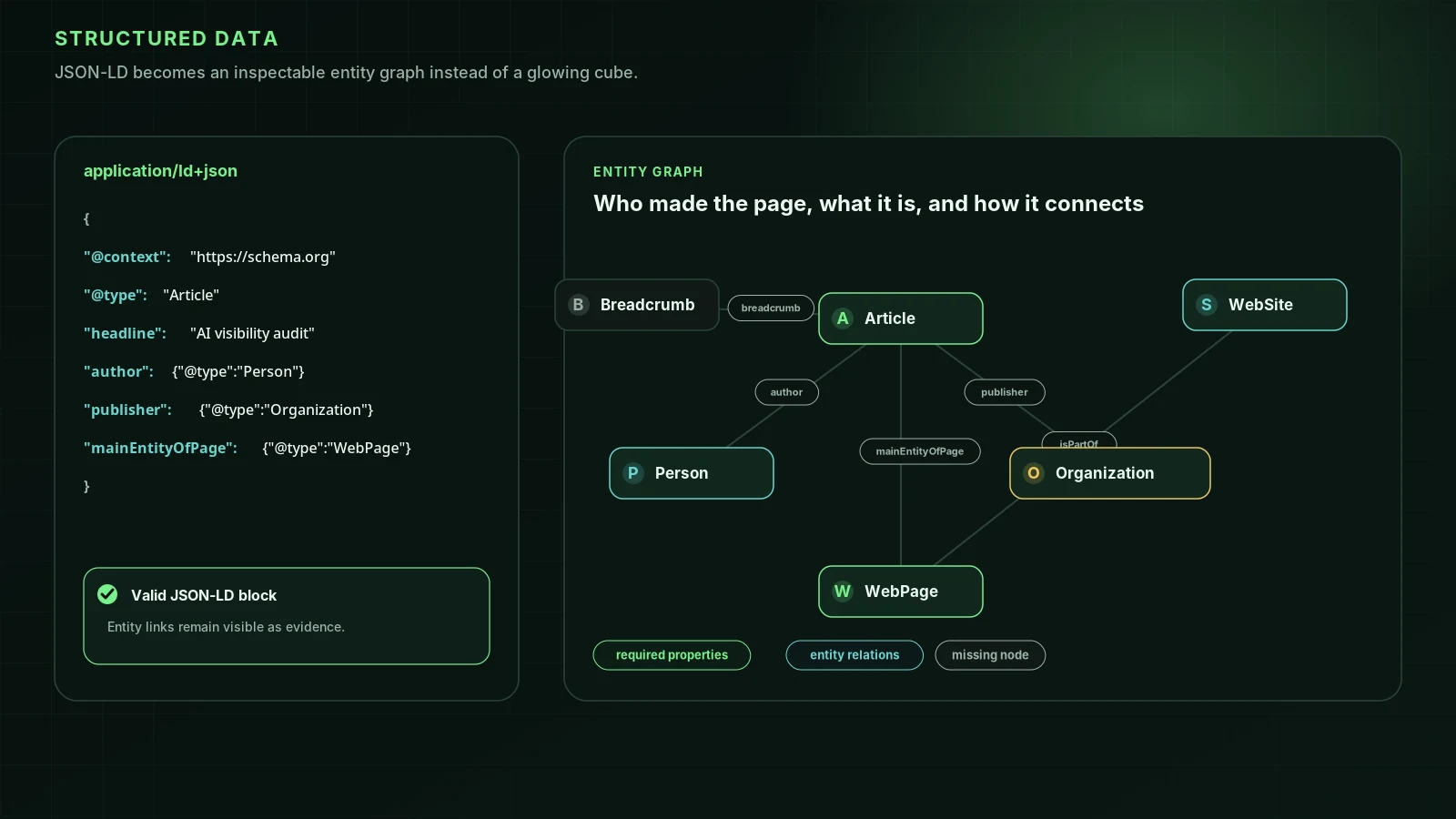
Some checks are reported and never scored: llms.txt, schema.org markup, FAQ schema, security headers and others. They sit at zero either because the evidence says they don’t affect AI visibility (97% of llms.txt files got no requests at all in Ahrefs’ server logs) or because no test has shown how much they matter (adding JSON-LD showed no citation lift). The engine never marks them warn or fail, because that would ask you to fix something that can’t move your grade.
Exports, and who each one is for
- The report page: a shareable link with the score, any blockers, the three biggest wins by points, and every finding with its evidence note.
- Copy for LLM: the report as Markdown on your clipboard, with blockers first, category scores, key signals, and every fail and warn with its fix and, where there is one, the measured value. No email needed.
- Email me the full report: HTML, Markdown or JSON, sent once you confirm a six-digit code. The JSON is the complete report object described above.
- Save as PDF: your browser’s print dialog, with a print layout that lists the scored findings in severity order.
Agencies can put their own name on the HTML and Markdown exports; see the white-label audit for agencies.
From research lens to report line
The seven research lenses on this site map onto the report like this. Each research post explains the evidence behind its checks.
| Lens | What the report checks | Research |
|---|---|---|
| Retrieval | Page fetch, Indexability, robots.txt AI rules, Raw HTML visibility, Snippet controls, Edge access, HTTPS, Soft 404 | GPTBot vs OAI-SearchBot |
| Schema | JSON-LD types found and whether they parse (reported, 0 points) | What schema markup actually does |
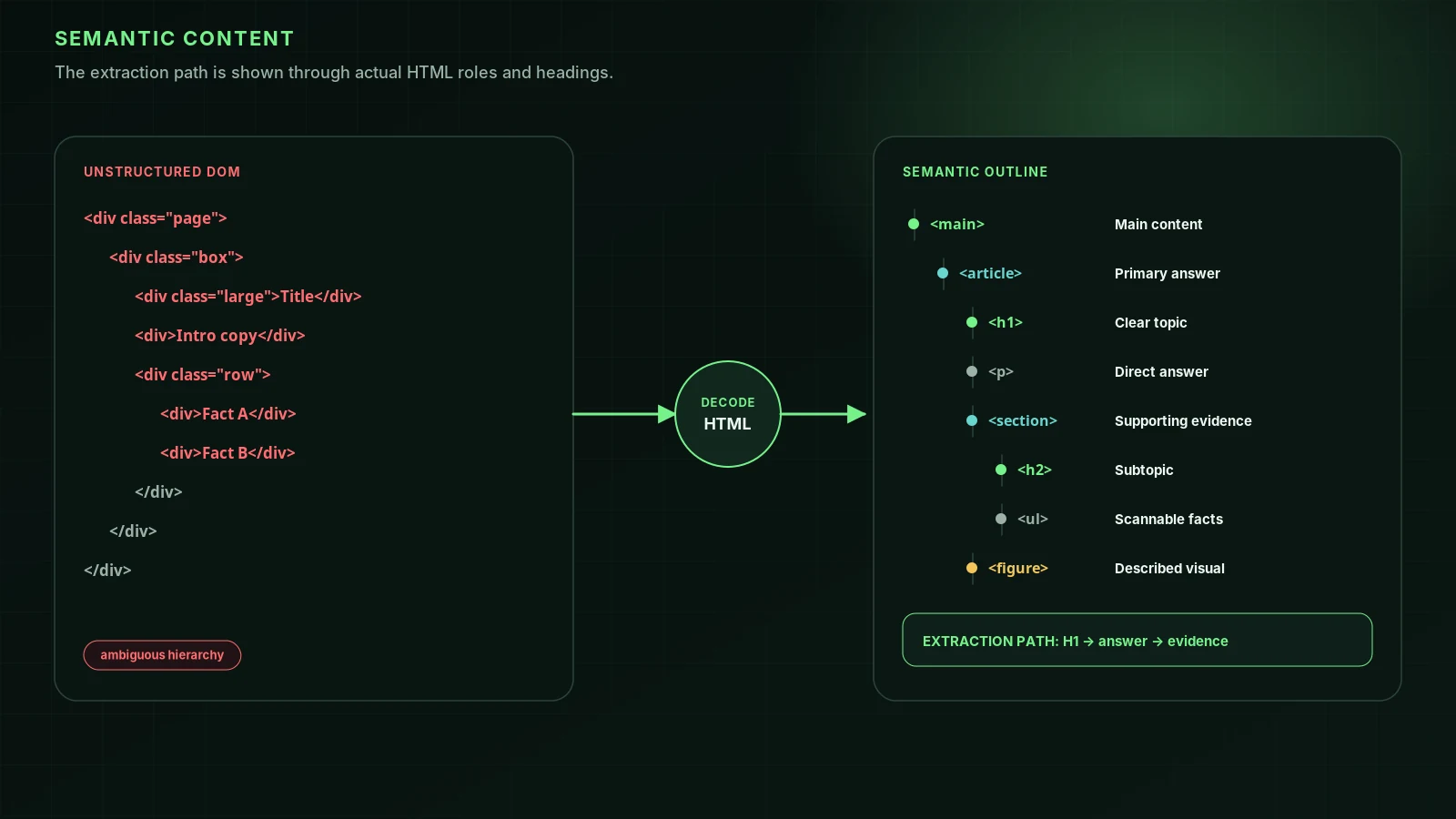
| Semantics | Semantic HTML, Heading depth, H1, Answer first | How AI crawlers read your HTML |
| Performance | Load time, a Retrieval check worth 3 points, measured server to server | Timeouts, redirects and raw HTML |
| Authority | Author attribution, publication and update dates, Freshness signals, About and Contact pages, External links, Knowledge graph entity | E-E-A-T for AI search |
| Metadata | Canonical, Title tag, Meta description, Open Graph | Canonical URLs and Open Graph |
| Output | The report, exports and evidence notes | This post |
What a one-page audit can’t tell you
The best-evidenced drivers of AI citations sit off your site: how often your brand is mentioned elsewhere, review sites, forums and “best of” lists, and where you already rank. The report measures the part you control directly (whether engines can reach, read and attribute the page) and checks for a Wikidata entity as the one off-site signal it can verify. It doesn’t tell you whether you are cited today. For Google, the guide points to Search Console’s Generative AI performance report for that.
If you have a report, export the JSON and work through the fails with the matching research post. If you don’t, run a free audit; it finishes in under half a minute.
FAQ
Why export JSON if the report page is easier to read?+
Because the next step is often “paste this into an assistant and draft the fixes.” The JSON keeps every finding’s check, status, message, recommendation and measured value, plus the scoring model, page type and category caps. The report page is for people; the JSON is for tools.
What does an SEO·AEO·GEO finding contain?+
A category (retrieval, extractability, authority or hygiene), the check’s name, a status (pass, warn, fail, info or skip), a message describing what was found, usually a recommendation, often the measured value, and a blocker flag when the failure caps the score.
Is a score of 100 the goal?+
No. Clear the blockers first, then the checks with the strongest evidence. A high score means engines can reach, read and attribute the page; it doesn’t mean the page is cited, which depends heavily on things off your site.
Can I compare scores over time?+
Within the same scoring model, yes. Every report records its model version, currently 4.1.0, and scores from different major versions are not comparable because the weights and checks changed.
Does the report tell me whether ChatGPT cites my site?+
No. It measures whether AI engines can fetch, read and attribute the page. For real visibility data, Google’s guide points to the Generative AI performance report in Search Console, and AI answers vary from run to run, so treat any single check of a chatbot as anecdote.
Sources
- Google’s Guide to Optimizing for Generative AI Features on Google Search — Google Search Central (May 2026, updated July 2026)
- We Tracked 1,885 Pages Adding Schema. AI Citations Barely Moved. — Ahrefs (2026-05-11)
- We Analyzed 137K Sites: 97% of llms.txt Files Never Get Read — Ahrefs (2026-06-15)
Run it on your domain
See this lens as a finding, not a lecture.
Free technical GEO audit. Evidence-traced scores, LLM-ready export, no login.
Audit your website