Strategy 10 min read
ChatGPT Has Wrong Information About My Business: How to Fix It (and What You Can’t Fix)
There’s no form that edits what ChatGPT believes about a business. There is a reliable way to find where a wrong fact comes from, and most of the time the fix is on a page you can change.

Founder, SEO·AEO·GEO
Builds SEO·AEO·GEO and writes the crawler, schema, and citation research published here.
Key takeaways
- First find out whether the wrong answer cites a page. If it does, the fix is that page; if it doesn’t, the model answered from training.
- OpenAI has no correction form for businesses. Its privacy request route covers personal data about individuals, and even there corrections aren’t guaranteed.
- Google’s own guidance for knowledge panels says descriptions must be corrected at their original source. The same logic applies to every assistant.
- Stale pages are the most common cause: old pricing pages, old directory listings and press releases that still rank. Update, redirect or ask for corrections.
- Training-based answers change slowly. Make the correct fact consistent everywhere and give it time; never invent pages or reviews to drown out the error.
To fix wrong information about your business in ChatGPT, first find out where it comes from. If the answer cites a page, that page is the problem: correct it if it’s yours, ask for a correction if it isn’t, and update the directories that copy it. If the answer cites nothing, ChatGPT answered from what it learned in training. You can’t edit that directly, but you can make the correct fact consistent and prominent everywhere the next model will read, and that is what changes it.
The same method works for Google’s AI Overviews, Gemini, Perplexity, Claude and Copilot. What differs is where each one looks, and how long a correction takes to show.
Step 1: trace the wrong fact
Ask the question that produced the error again, in a temporary chat, three times. Then look at the bottom of each answer.
| What you see | What it means | Go to |
|---|---|---|
| A cited page that states the wrong fact | The assistant repeated a source | Step 2 |
| Cited pages that are right, but the answer is still wrong | The assistant mixed sources, or mixed you up with another business | Step 3 |
| No sources at all | The answer came from training data | Step 4 |
| Different wrong facts on each run | The assistant has little to go on and is guessing | Steps 3 and 4 |
Step 2: fix the source page
Google puts the principle plainly in its knowledge panel help: descriptions “must be corrected at their original source”. Assistants work the same way, because when they search, they repeat what the retrieved pages say. The usual culprits:
- Your own stale pages. Old pricing pages, a “team” page with people who left, an events page from two years ago, a PDF brochure. Update them, or redirect them to the current page; don’t just delete a page that other sites link to.
- Directory listings. Google Business Profile, Bing Places, Apple Business, Yelp, industry directories and data aggregators. One wrong address in an aggregator spreads to dozens of sites.
- Old press coverage and review sites. Email the editor with the correction and a link that proves it. Most publications correct factual errors; few will rewrite an opinion.
- Wikipedia. If you have a conflict of interest, Wikipedia’s policy says you are “strongly discouraged from editing affected articles directly” and should propose changes on the article’s talk page using the {{Edit COI}} template. Paid editors must disclose who pays them.
- Wikidata. Check whether an item about you exists and whether its facts are right. Only create one if you meet Wikidata’s notability policy.
Step 3: stop being confused with someone else
When two businesses share a name, assistants blend them. Your job is to make every page about you say which one you are:
- Pair your name with your location or category wherever it appears: “Harbour Dental, Falmouth”, not just “Harbour Dental”.
- Write one sentence that says what you do, for whom and where, and use it word for word on your homepage, About page and every profile.
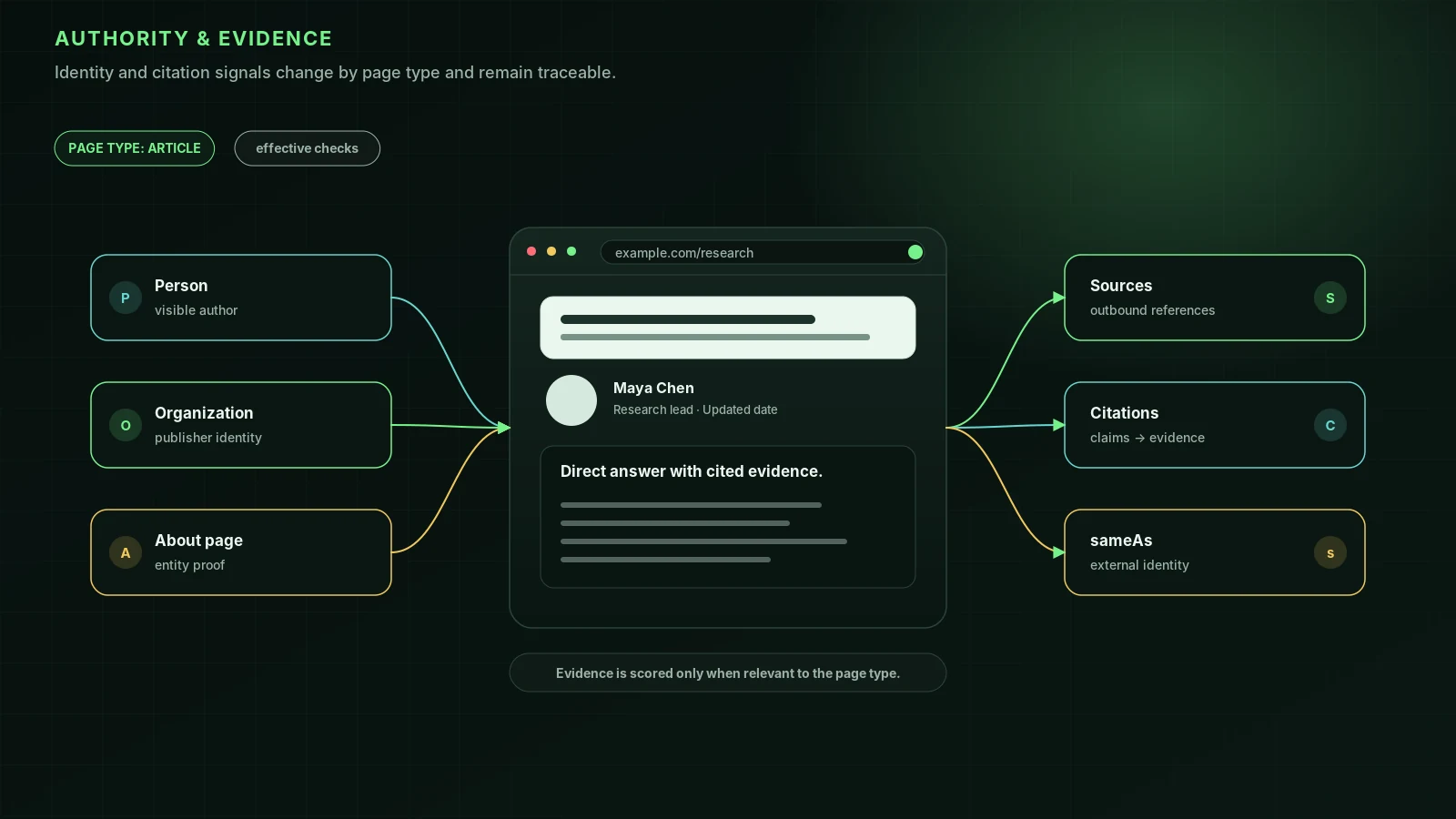
- Link your profiles together: your site links to them, and each profile links back to your site. Organization markup with sameAs says the same thing to machines (how sameAs works).
- Check that directories list your own phone number and address. Merged or duplicate listings are a common source of mixed-up facts.
Our guide to helping AI understand your business goes through this in detail.
Step 4: when the error comes from training data
Training data is collected before a model is released, so an answer without sources reflects the web as it was months ago. Nobody outside the AI company can edit it, and nobody can promise you when a new model will pick up the change. What you can do:
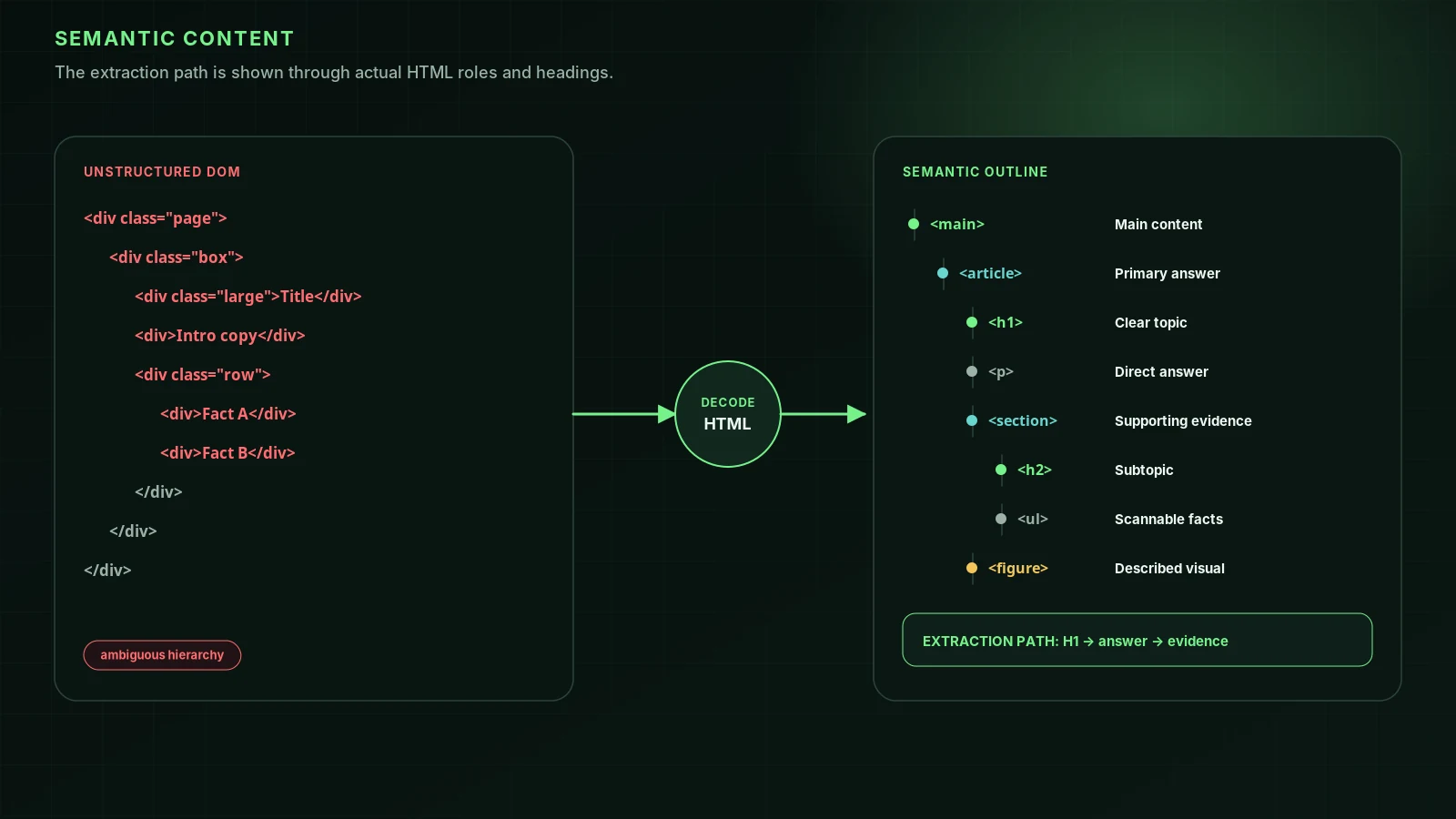
- Make the correct fact easy to find and impossible to misread: on your homepage, in plain HTML text (not only in an image or a script), with a visible date.
- Get it repeated by sources that models learn from: up-to-date directory listings, coverage, and your profiles.
- Use the thumbs-down button on the wrong answer and say what’s wrong. It is feedback, not a correction request, but it’s the channel OpenAI provides.
- Ask your customers’ questions with search switched on. If search answers are right, most of your customers will see the right answer, because ChatGPT searches whenever a question needs current information.
What about contacting OpenAI?
OpenAI’s help centre describes one formal route: under privacy laws such as the GDPR, individuals can ask it to stop certain personal information about them from appearing in ChatGPT responses, through its privacy portal. That covers information about people, such as a sole trader’s name and personal details. It is not a business correction service, and even for people it has limits. In April 2024 the privacy group noyb complained to Austria’s data protection authority after OpenAI refused to correct a public figure’s wrong date of birth, saying correction wasn’t possible and offering only to filter or block answers about him; noyb quotes OpenAI’s position that “factual accuracy in large language models remains an area of active research”.
Google AI Overviews, Gemini and the rest
| Assistant | Report it | Fix it at the source |
|---|---|---|
| Google AI Overviews and AI Mode | Thumbs-down under the overview, then Report a problem | The pages linked beside the overview; your Google Business Profile for hours, address and categories |
| Gemini app | Thumbs-down on the answer | Google Search results and your Business Profile, which it grounds on |
| Perplexity | The feedback option on the answer | The numbered sources it cites; make sure PerplexityBot can reach your corrected page |
| Microsoft Copilot | Thumbs-down on the answer | The cited pages, and Bing Places for local facts |
| Claude | Thumbs-down on the answer | The cited pages when it searched; otherwise as for training data |
Google is candid about errors: its help page says “AI Overviews can and will make mistakes”. Reports help Google, but the reliable fix is still the page the overview drew on.
What not to do
- Don’t publish fake reviews, fake articles or sock-puppet forum posts to drown out the error. It breaks platform rules and, for reviews, consumer law, and it gives assistants more confusing material, not less.
- Don’t delete your old pages without redirects. A page that disappears often leaves the old copy in caches and directories for longer.
- Don’t rewrite your whole site “for AI”. One wrong fact needs one corrected source and consistent repetition, not new copy everywhere.
Check it worked
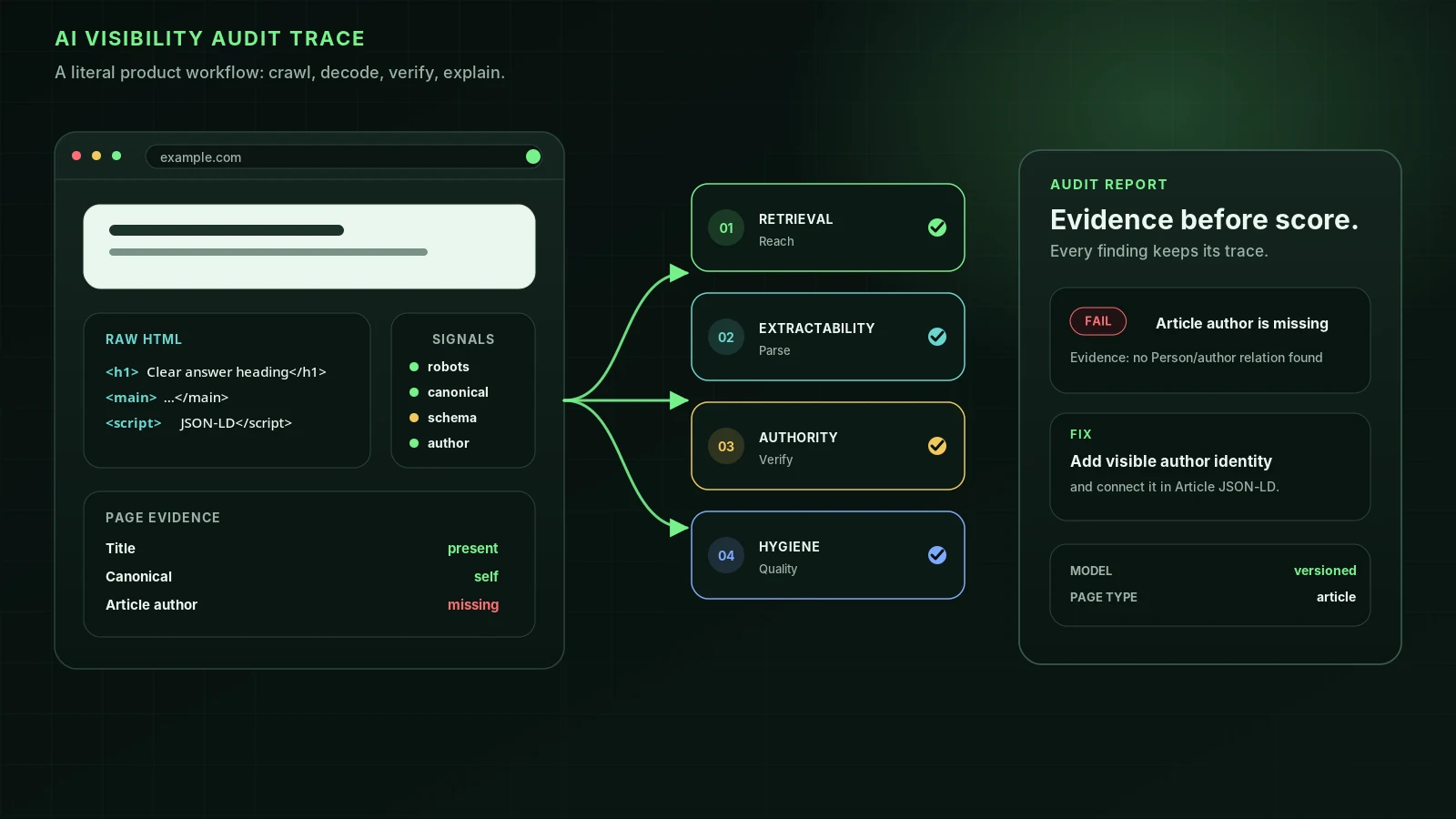
Re-run the same questions a week after each fix, and again a month later. Record which answers changed and which sources they cite now. The method and the question set are in what AI says about your business: a 30-minute check. If the wrong fact came from a page AI couldn’t read at all, our [free audit](/) shows whether each AI crawler can reach and read your site.
FAQ
Can I contact OpenAI to correct what ChatGPT says about my business?+
Not through a business correction form; none exists. You can mark an answer as bad with the thumbs-down button, which sends feedback. OpenAI’s privacy portal lets individuals ask for personal data to be removed from responses under laws such as the GDPR, but that route is for information about people, not companies.
Why does ChatGPT have old information about my business?+
Either a page it found in search is out of date (an old directory listing, a cached pricing page, an old article) or it answered from training data, which is gathered before the model is released and can be many months old. Check whether the answer shows sources to tell which.
How long does it take for ChatGPT to show corrected information?+
When ChatGPT searches, it can pick up a corrected page as soon as that page is re-crawled and retrieved; OpenAI says robots.txt changes take about 24 hours to reach its search systems. Answers from training data change only when a new model is trained, so expect months.
How do I report a wrong Google AI Overview about my business?+
Use the thumbs-down icon under the AI Overview, choose Report a problem and describe the error. Then fix the source: Google says AI Overviews can and will make mistakes, and the links beside the overview show which pages it drew on. For local facts, update your Google Business Profile.
ChatGPT is mixing my business up with another one. What do I do?+
Make the difference unmistakable: use your full name and location together on your homepage and profiles, describe what you do in one plain sentence everywhere, link all your profiles to each other, and make sure directories list your own address and phone number, not the other business’s.
Sources
- Right to be forgotten and personal data removal from ChatGPT — OpenAI Help Center
- ChatGPT provides false information about people, and OpenAI can’t correct it — noyb (2024-04-29)
- Overview of OpenAI Crawlers — OpenAI Developers
- ChatGPT search (Help Center; read via search snippets) — OpenAI
- AI Overviews on Google Search: feedback and reporting — Google Search Help
- Update your knowledge panel — Google Knowledge Panel Help
- Optimizing your website for generative AI features on Google Search — Google Search Central (2026-07-10)
- Wikipedia:Conflict of interest — Wikipedia
- Wikidata:Notability — Wikidata
Run it on your domain
See this lens as a finding, not a lecture.
Free technical GEO audit. Evidence-traced scores and an LLM-ready export. See your score with no login.
Audit your website