Strategy 10 min read
How to Improve Your Google Ranking: 10 Fixes in Order of Impact
Most ranking gains come from pages you already have. Find the ones Google shows but nobody clicks, fix what stops them being crawled, and make each one the most complete answer to its query.

Founder, SEO·AEO·GEO
Builds SEO·AEO·GEO and writes the crawler, schema, and citation research published here.
Key takeaways
- Start with pages that already appear in Search Console with many impressions and a low position; they're the closest to moving.
- Rule out technical blockers first: noindex, wrong canonicals, blocked crawlers, content that only appears with JavaScript, slow or broken pages.
- Match what the searcher wants. If the top results are guides, a sales page won't outrank them; if they're product pages, a blog post won't.
- Rewrite titles and the first paragraph to answer the query directly, then fill gaps the other ranking pages cover.
- Nobody can guarantee a ranking. Google says some changes show in hours and others take months.
To improve your Google ranking, fix anything that stops Google crawling and indexing your pages, then improve the pages that already appear in search but don't get clicked, so each one is the most useful answer to its query. Links and new content come after.
Here are ten fixes in the order that usually pays off fastest. None of them can guarantee a position; Google says no one can.
1. Find the pages closest to moving
In Search Console, open the Performance report, turn on Impressions, Clicks, CTR and Position, and switch to the Pages tab. Sort by impressions. Pages with many impressions, an average position between about 5 and 20 and a low click-through rate are your shortlist: Google already considers them relevant, so small improvements can move them. Then open each page and look at its Queries to see what people searched.
2. Rule out technical blockers
- Page indexing report: is the page indexed? If not, the reason is listed.
- Canonical: the page should point at itself, not at another URL.
- robots.txt and firewall: Googlebot (and AI search crawlers, if you want to be cited) must be allowed.
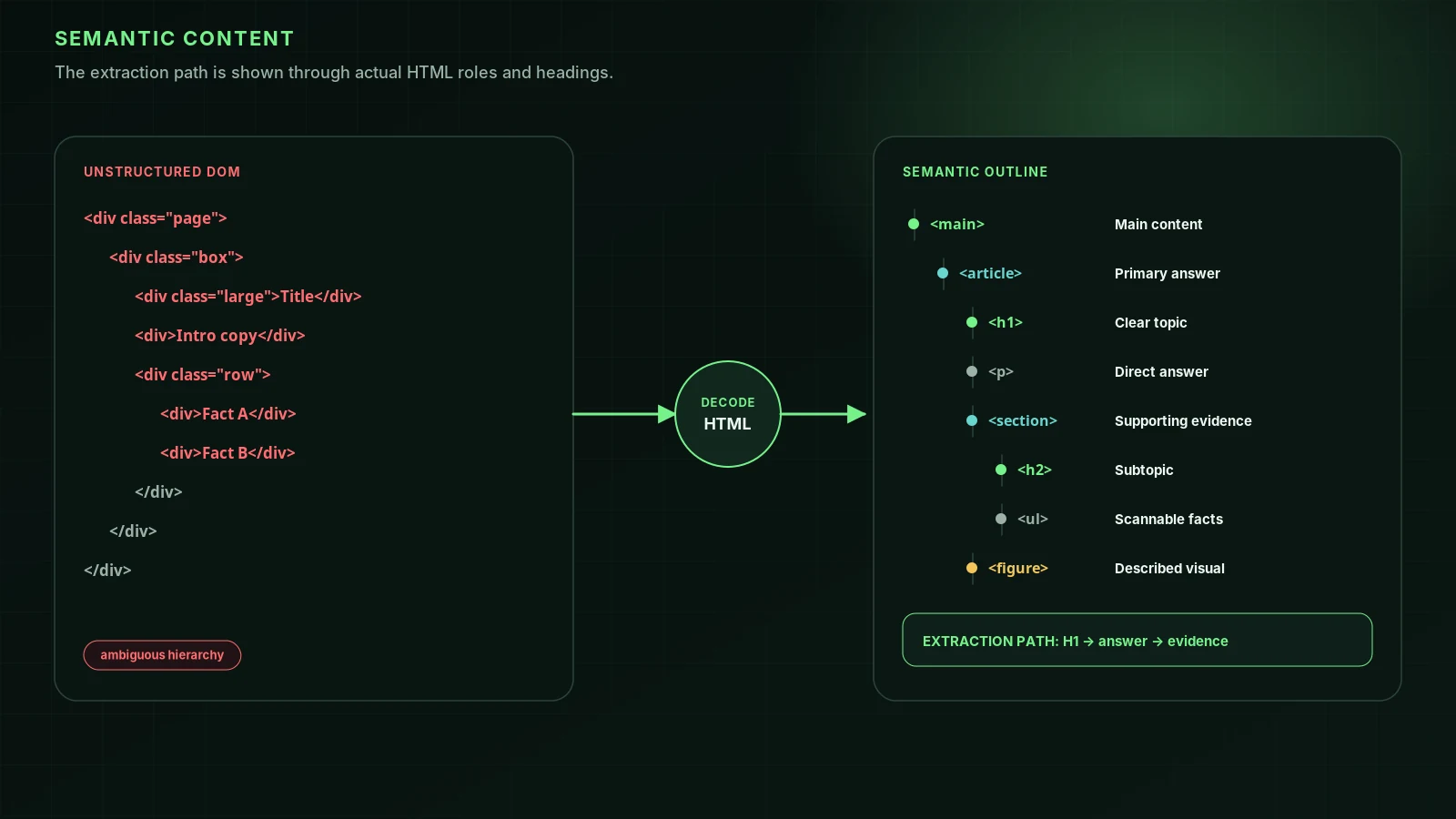
- Content in the HTML: if text only appears after JavaScript runs, crawlers may miss it.
- Status code: 200, not a redirect chain or a soft 404.
3. Match what the searcher wants
Search the query yourself and look at the top results. Are they guides, product pages, lists, local businesses or videos? Google shows what it believes satisfies the search. If your page is a different kind of page, rewriting it won't be enough; make the kind of page that's ranking, or target a different query.
4. Rewrite the title and the first paragraph
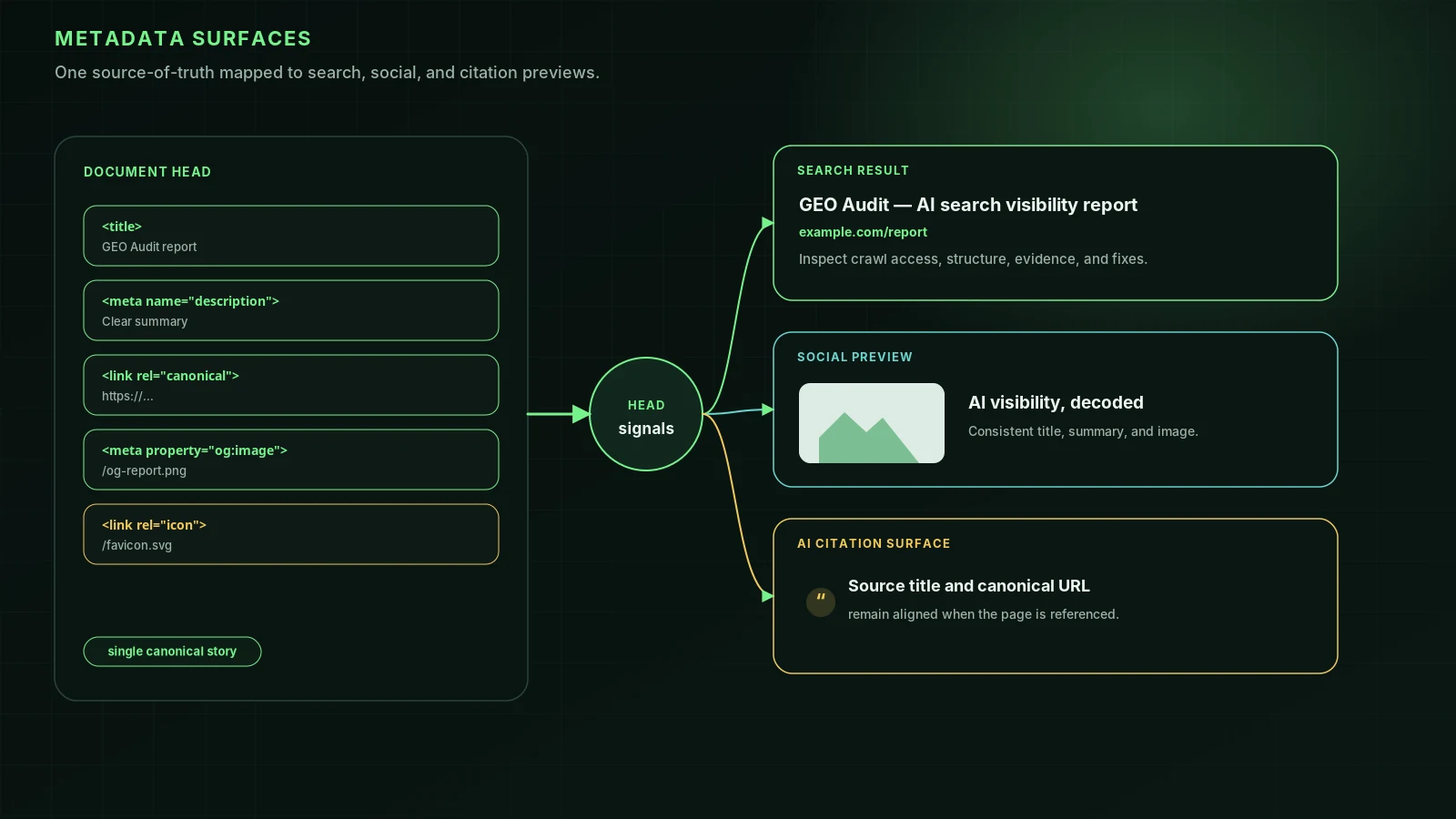
Google's guidance on title links is to write unique, descriptive titles that describe the page concisely and avoid keyword stuffing. Put the main topic first, in the words people search with. Then make the first two sentences answer the query directly. That helps readers, helps Google pick a snippet, and helps AI systems quote you.
5. Cover what the other top pages cover, then go further
List the questions the top results answer and check that yours answers them too. Then add what they don't have: your prices, your process, real examples, photos, data from your own work. Google's people-first content guidance asks whether content provides original information, reporting, research or analysis, and whether it adds substantial value compared with other pages in the results.
6. Link to the page from your own site
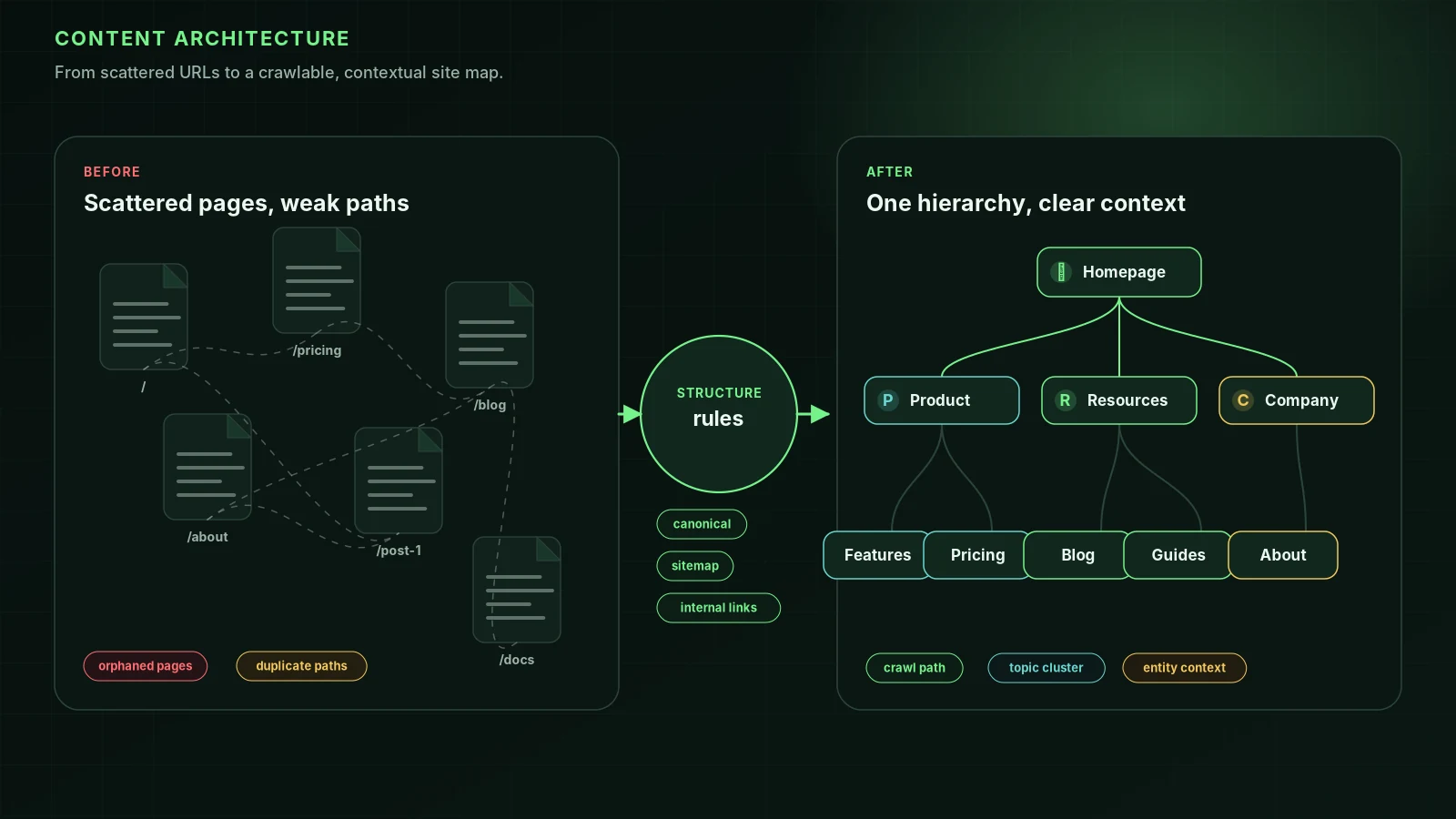
Add links to the page from related pages, using descriptive anchor text such as "root canal cost in Pune" rather than "click here". Internal links help Google find pages and understand what they're about. Your homepage and main navigation pass the most attention.
7. Make it fast and usable on a phone
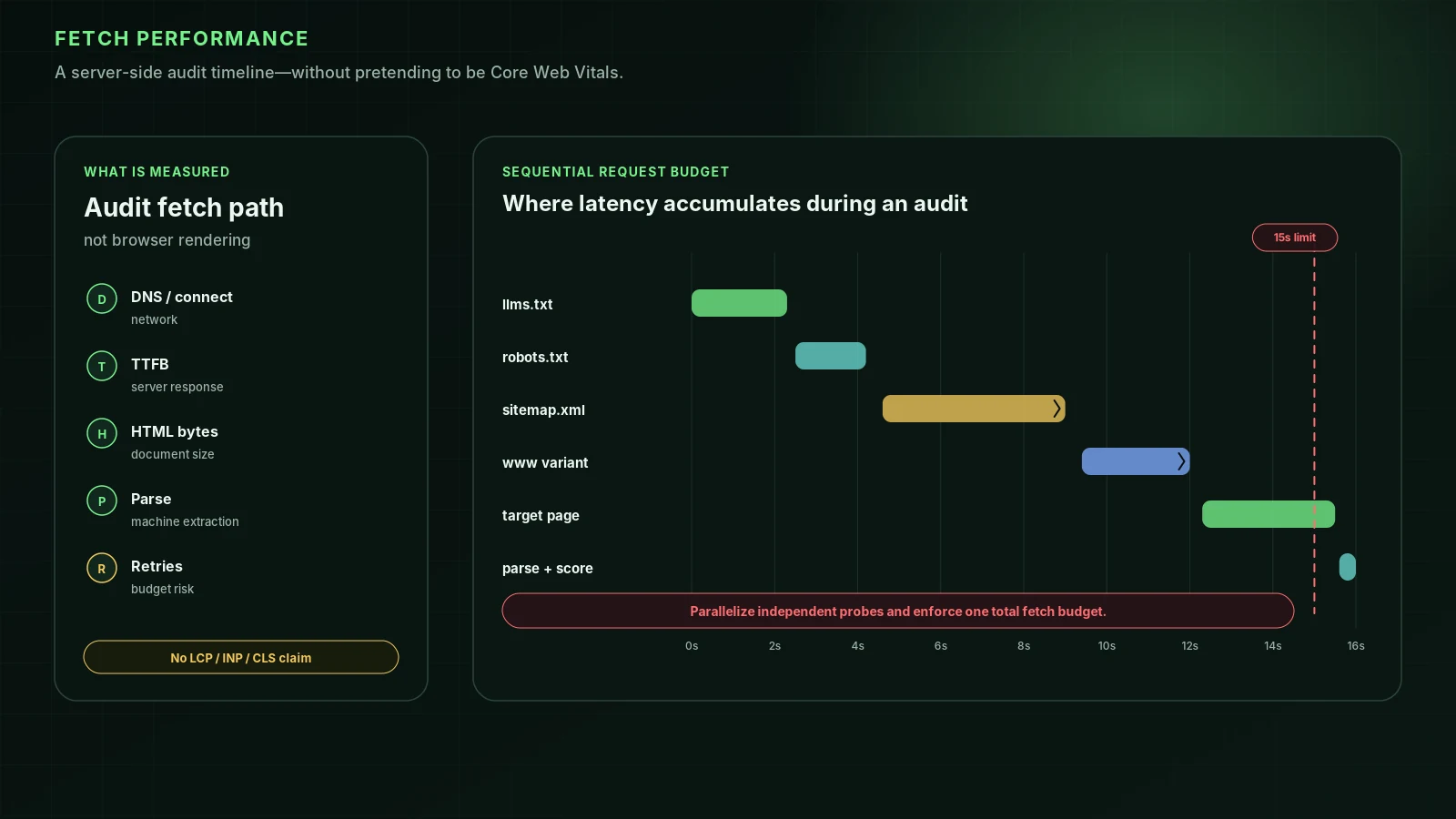
Check the page in PageSpeed Insights and fix the largest issues, usually oversized images, render-blocking scripts or a slow server. See Core Web Vitals and mobile SEO.
8. Add structured data where it applies
Structured data doesn't raise rankings by itself, but it can make a page eligible for rich results such as product prices, reviews, events or recipes, which can improve clicks. Use the types Google documents for your kind of page, and test them with the Rich Results Test. See rich results.
9. Earn links and mentions
Links from relevant sites still help Google judge importance. Earn them with things people want to cite: original data, tools, local news, partnerships, guest expertise on genuinely editorial sites. Don't buy them; that breaks Google's spam policies. See link building.
10. Measure, wait, repeat
Note the date of each change. Google says some changes show within hours and others take months, and suggests waiting a few weeks before judging. Compare the page's clicks, impressions and position over the following weeks in Search Console, then move to the next page on your list. How to track keyword rankings covers tools and what to track.
What doesn't work
| Tactic | Why not |
|---|---|
| Repeating the keyword more | Keyword stuffing is against Google's spam policies |
| Adding words to hit a length | Google says length alone doesn't affect ranking |
| Changing the date without changing the content | Freshness means useful updates, not a new timestamp |
| Buying links or traffic | Link spam and machine-generated traffic are both in the spam policies |
| Meta keywords | Google Search doesn't use them |
FAQ
How can I improve my Google ranking fast?+
The fastest gains usually come from fixing technical problems that stop pages being indexed, and from improving titles and content on pages that already rank on page two. New pages and links take longer.
Why did my Google ranking drop?+
Common causes: a technical change (noindex, robots.txt, redirects or a site migration), a Google core update, competitors publishing better pages, or a manual action. Check Search Console's Page indexing and Manual actions reports first.
Does updating content improve rankings?+
Updating can help when it makes the page more accurate, complete or useful. Changing only the date doesn't. Google's guidance is to keep content helpful and up to date for readers.
Can anyone guarantee a first-page ranking?+
No. Google says no one can guarantee a number one ranking, and that if someone guarantees first place you should find someone else.
Sources
- SEO Starter Guide — Google Search Central (2025-12-10)
- Creating helpful, reliable, people-first content — Google Search Central
- Performance report (Search results) — Search Console Help
- Influencing your title links in search results — Google Search Central
- Do you need an SEO? — Google Search Central (2026-06-05)
Run it on your domain
See this lens as a finding, not a lecture.
Free technical GEO audit. Evidence-traced scores, LLM-ready export, no login.
Audit your website