Local 11 min read
Local SEO: How to Rank in Google Maps and Local Search
Google says local results come down to relevance, distance and prominence, and that you can't pay to rank higher. Here's what each means and the work that moves them, from your Business Profile to your website.

Founder, SEO·AEO·GEO
Builds SEO·AEO·GEO and writes the crawler, schema, and citation research published here.
Key takeaways
- Google ranks local results on three factors: relevance (how well your profile matches the search), distance (how far you are from the searcher) and prominence (how well known you are).
- Google states there's no way to request or pay for a better local ranking.
- The Business Profile is the core: verify it, fill in every field accurately, choose the right categories, add photos and reply to reviews.
- Your website supports prominence and relevance: a page per service and per location, consistent name, address and phone number, and LocalBusiness structured data.
- AI assistants that recommend local businesses rely on the same signals: listings, reviews and a website their crawlers can read.
Local SEO is how a business with a location or service area gets found in local searches, Google Maps and the map pack of three businesses near the top of Google's results. Google says local ranking comes down to three things: relevance, distance and prominence.
It also says there's no way to request or pay for a better local ranking. Everything that helps is in your Business Profile, your website and how the rest of the web talks about you.
Google's three local ranking factors
| Factor | Google's definition | What you control |
|---|---|---|
| Relevance | How well a Business Profile matches what someone is searching for | Categories, services, description, website content |
| Distance | How far each business is from the customer who's searching | Your real address or service area, nothing else |
| Prominence | How well known a business is | Reviews, ratings, links, articles and listings across the web |
Google adds that prominence is also based on how many websites link to your business and how many reviews you have, and that more reviews and positive ratings can help. Links are an ordinary SEO signal, which is why work on your website helps local rankings too.
Step 1: your Google Business Profile
- Claim and verify the profile. Google treats a verified profile as coming from the business's authorized representative.
- Use your real-world business name. Google's guidelines don't permit unnecessary additions such as taglines or location details.
- Pick the most specific primary category that describes your business, and add secondary categories only where they're true.
- Fill in every field: address or service area, hours (including holiday hours), phone, website, services or products, and attributes such as accessibility or parking.
- Add real photos and videos of your premises, team and work, and keep adding them.
- Reply to reviews, positive and negative, briefly and politely.
- Retailers in eligible regions can show in-store products.
Step 2: reviews
Reviews feed prominence. Ask every satisfied customer, make it easy with a direct review link, and reply to all of them. Don't buy reviews, review your own business or offer incentives for positive ones: fake engagement breaks Google's policies, and the reviews can be removed.
Step 3: your website
- One page per main service, with the service and area in the title and H1, such as "Emergency plumber in Kothrud, Pune".
- A page per location if you have several, each with its own address, hours, photos and directions. Don't create near-identical pages for towns you don't serve.
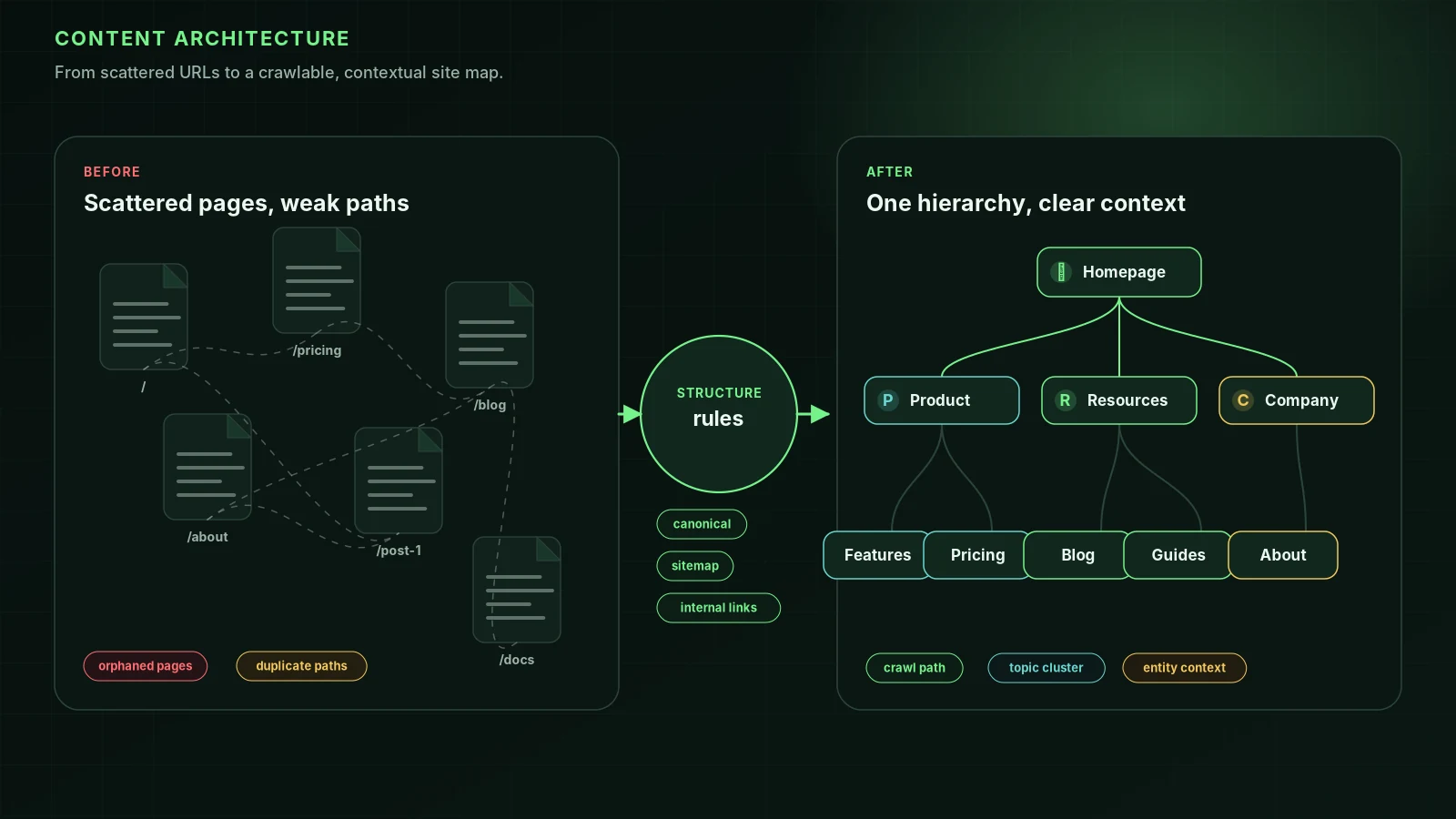
- The same name, address and phone number (NAP) on the site as on the profile. See NAP.
- LocalBusiness structured data (or a specific type such as Dentist or Plumber) with your address, geo coordinates, hours and phone.
- Fast pages that work on a phone. Most local searches happen on mobile.
- Content that's in the HTML the server sends, so Google and AI crawlers can read it without running JavaScript.
{
  "@context": "https://schema.org",
  "@type": "Plumber",
  "name": "Example Plumbing",
  "url": "https://example.com",
  "telephone": "+91-20-0000-0000",
  "address": {
    "@type": "PostalAddress",
    "streetAddress": "12 Example Road",
    "addressLocality": "Pune",
    "postalCode": "411038",
    "addressCountry": "IN"
  },
  "openingHours": "Mo-Sa 08:00-20:00"
}
Check the result with Google's Rich Results Test, and run the page through the free SEO checker, which tests schema, indexability, titles and crawler access in one pass.
Step 4: citations and mentions
Citations are listings of your business on other sites: directories, industry associations, chambers of commerce, map apps and review sites. They help Google confirm your details and add to prominence. Keep NAP identical everywhere, fix old listings after a move, and favour a few relevant, well-known directories over hundreds of low-quality ones. Mentions in local news, sponsorships and partner websites are worth more than any directory.
Local SEO and AI assistants
When someone asks ChatGPT, Gemini or Siri for "a good dentist near me", the answer draws on map data, listings, reviews and websites. The same work helps: an accurate, verified profile, consistent listings, genuine reviews and a website AI crawlers can read. How local businesses get recommended by AI covers where each assistant gets its data.
Common local SEO mistakes
- Taglines, keywords or locations added to the business name.
- Different phone numbers or addresses on the site, the profile and directories.
- Fake locations or a virtual office as the address.
- Doorway pages: dozens of near-identical "service in [town]" pages. Google's spam policies cover these; see doorway pages.
- Ignoring reviews, or replying only to the good ones.
- A website that blocks crawlers, loads slowly on mobile or hides its text behind JavaScript.
Hiring local SEO services
A local SEO agency or consultant should be able to explain how its work maps to relevance and prominence, give you full ownership of your Business Profile, and never promise a guaranteed map-pack position. Google's general advice on hiring an SEO applies; see how to choose an SEO agency. Industry guides: dental, plumbers, real estate, accountants and small business SEO.
FAQ
What is local SEO?+
Local SEO is improving how a business with a physical location or service area appears in local searches, such as "dentist near me", the Google Maps results and the local pack shown on Google's results page.
How do I rank higher on Google Maps?+
Google lists the steps: verify your business, keep your information complete and accurate (address, hours, category and attributes), reply to reviews, add photos and videos, and, for eligible retailers, show in-store products. Distance to the searcher also matters, and you can't change that.
Can I pay Google to rank higher in local results?+
No. Google says there's no way to request or pay for a better local ranking. Local Services Ads and Google Ads are paid placements shown separately and labelled.
Do I need a website for local SEO?+
You can appear in local results with only a Business Profile, but a website helps. Google says prominence takes into account how many websites link to your business, and a site gives you pages for each service that can rank in the regular results too.
Should I put keywords in my business name?+
No. Google's Business Profile guidelines say your name should reflect your real-world business name and that including unnecessary information in it isn't permitted, such as taglines, store codes or location details.
What is NAP in local SEO?+
NAP stands for name, address and phone number. Keeping it the same on your website, Business Profile and directory listings helps Google connect them to one business.
Sources
- Tips to improve your local ranking on Google — Google Business Profile Help
- Guidelines for representing your business on Google — Google Business Profile Help
- Local business (LocalBusiness) structured data — Google Search Central
- SEO Starter Guide — Google Search Central (2025-12-10)
Run it on your domain
See this lens as a finding, not a lecture.
Free technical GEO audit. Evidence-traced scores, LLM-ready export, no login.
Audit your website