Strategy 9 min read
SEO Competitor Analysis: A Step-by-Step Method (Free and Paid Tools)
Your search competitors aren't always your business competitors. Find who actually ranks for your searches, compare their pages with yours check by check, then copy the reasons they win, not the pages.

Founder, SEO·AEO·GEO
Builds SEO·AEO·GEO and writes the crawler, schema, and citation research published here.
Key takeaways
- Your SEO competitors are whoever ranks for the searches you want, which can include directories, publishers and marketplaces, not just rival businesses.
- Compare the pages that beat you on the same checks: intent match, content, title and headings, structured data, speed, indexability and crawler access.
- Keyword gap analysis finds searches competitors rank for and you don't. Your own Search Console data plus one paid tool is usually enough.
- Backlink gap analysis finds sites that link to several competitors but not to you, which are your most realistic outreach targets.
- Turn findings into a short list of actions: pages to improve, pages to create, technical fixes and outreach.
An SEO competitor analysis compares your site with the sites that rank above you for the searches you want, to find out why they win and what you'd need to change. Done well, it ends in a short list of specific pages to fix, pages to create and sites to approach.
Step 1: find your real search competitors
Your search competitors are whoever occupies the results you want, which is often a different list from your business rivals. For a local dentist, it might include a directory, a health publisher and a chain. Search your 10 to 20 most valuable queries in a private window (and on a phone), and note which domains appear repeatedly in the top results.
Step 2: compare the pages that beat you
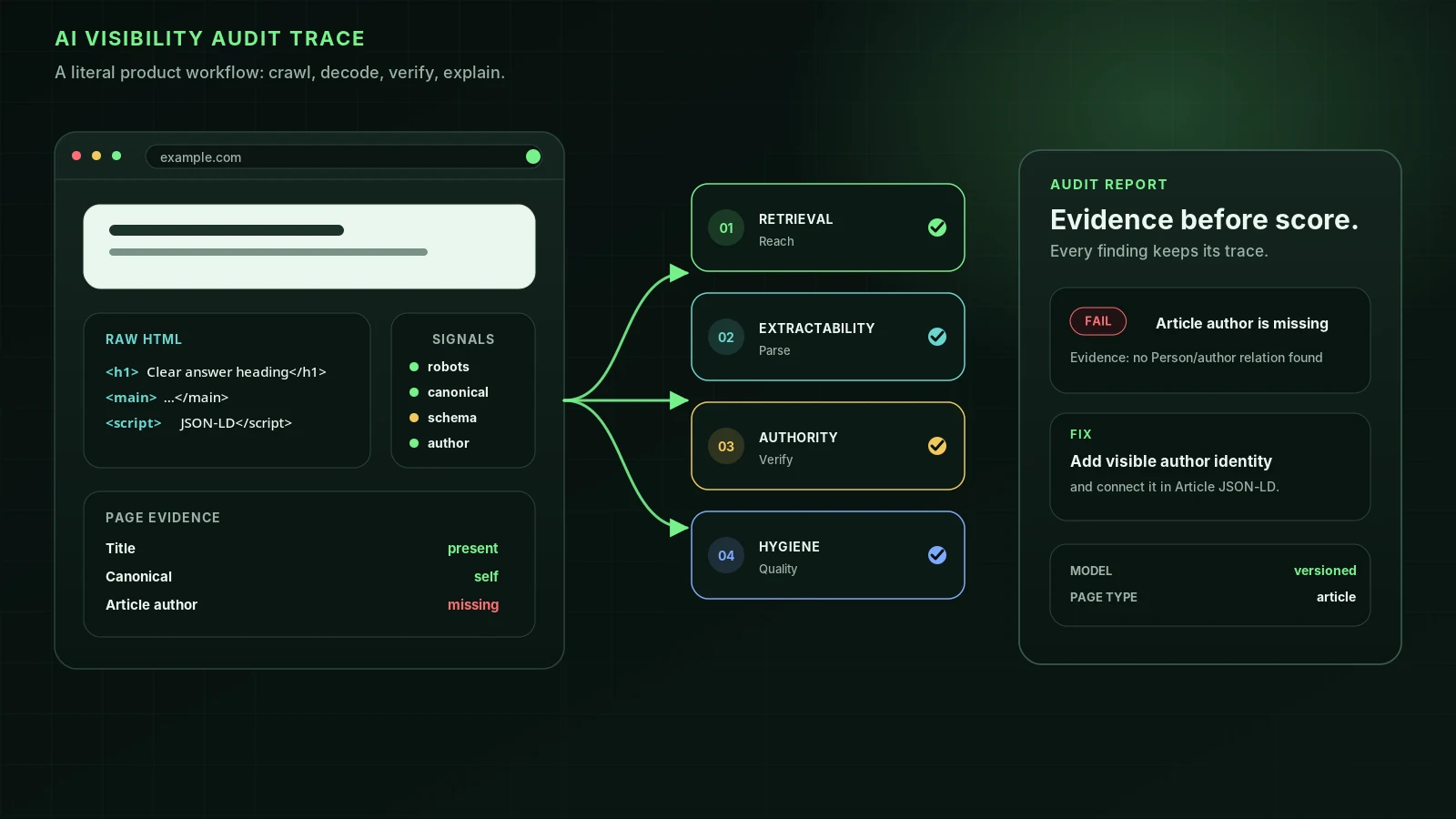
For each important query, take the top-ranking competitor page and your equivalent page, and compare them on the same checks:
| Compare | Questions |
|---|---|
| Intent | Is their page a guide, a product page, a list, a tool? Is yours the same kind? |
| Answer | How quickly does each page answer the query? |
| Depth | Which questions do they cover that you don't? What do they show: prices, photos, data? |
| Title and headings | How do they phrase the title and H1? Do headings match the questions people ask? |
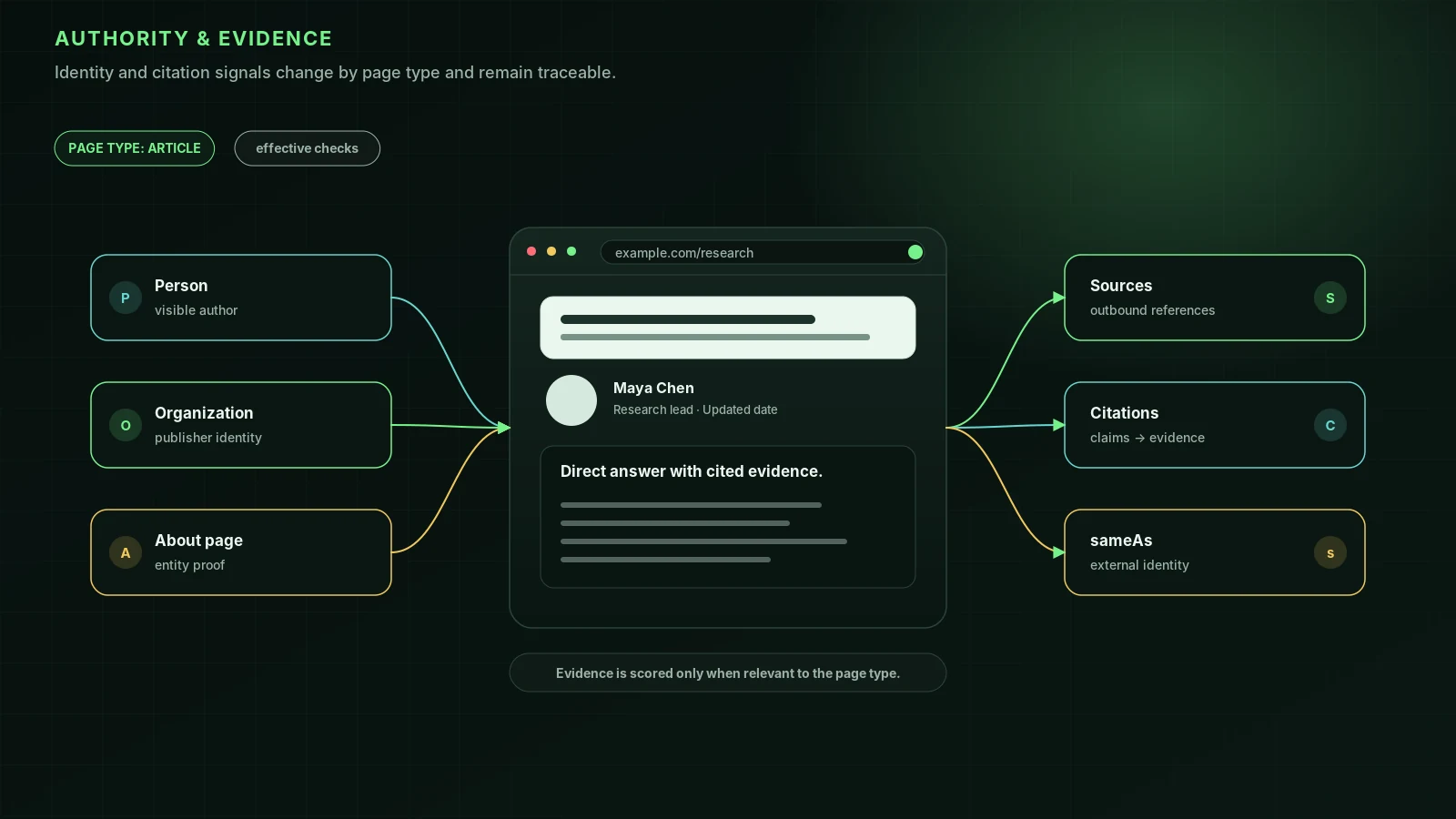
| Trust | Author, date, reviews, credentials, about and contact pages |
| Structured data | Which schema types do they use? Do they get rich results? |
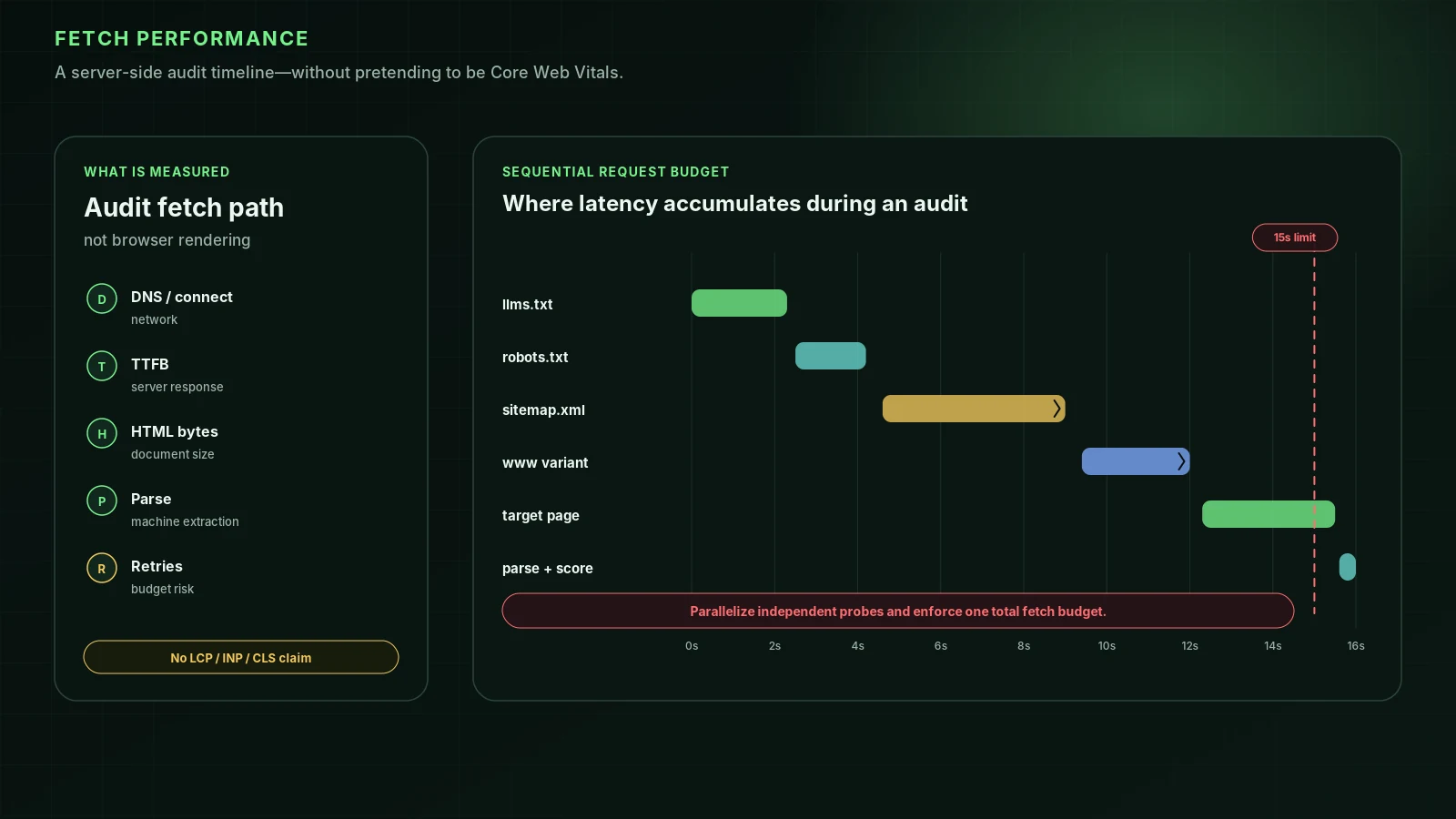
| Technical | Indexable, canonical correct, fast, content in the HTML, crawlers allowed |
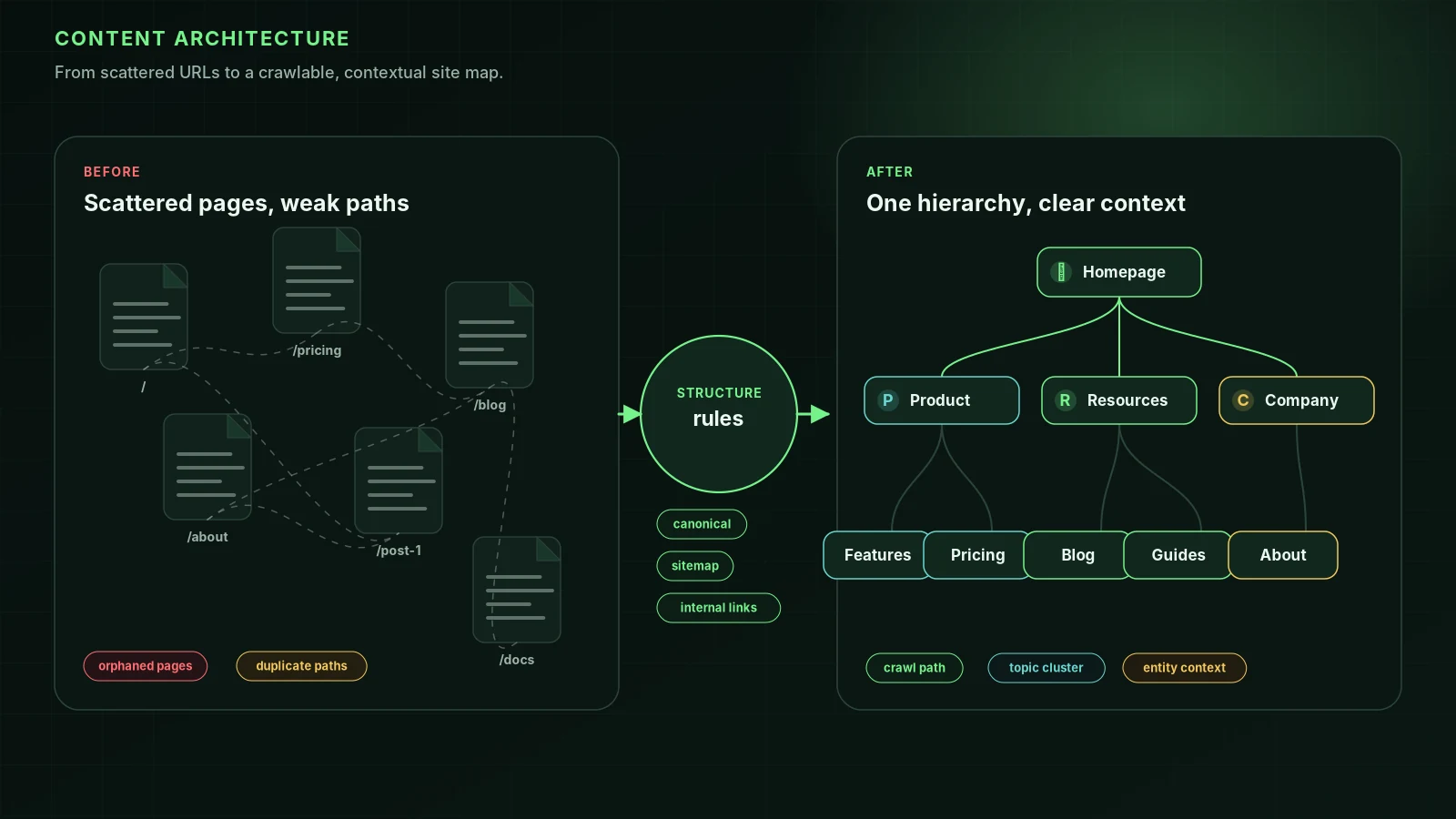
| Internal links | How prominently is the page linked within their site? |
Step 3: keyword gap analysis
A keyword gap is a search a competitor ranks for and you don't. Your own data comes from Search Console's Performance report. For competitors' keywords you need a third-party tool such as Semrush, Ahrefs or SE Ranking, which estimate the keywords any domain ranks for from their own databases. Their figures are estimates, but good enough to spot patterns.
- Export the keywords two or three competitors rank for.
- Remove ones you already rank well for and ones that aren't relevant to you.
- Group the rest by intent and topic.
- For each group, decide: improve an existing page, or create a new one.
Step 4: backlink gap analysis
List the domains linking to each competitor (from a backlink tool) and to you (from Search Console's Links report). Domains that link to several competitors but not to you are your best targets: industry associations, directories, partners, publications covering your field. Look at why they linked, such as a study, a tool or a sponsorship, and whether you can offer something comparable. See backlink analysis.
Step 5: check AI answers too
Ask ChatGPT, Perplexity and Google's AI Mode the questions your customers ask, and note which competitors are mentioned and which pages are cited. If a competitor is cited and you aren't, compare crawler access first: blocked AI crawlers are a common, fixable cause. See why ChatGPT recommends your competitor.
Step 6: turn findings into actions
| Finding | Action |
|---|---|
| Their page answers more questions | Expand yours with those sections, plus something they don't have |
| They rank with a different page type | Create that type of page |
| Technical issue on your page | Fix it first; it's the fastest win |
| Keyword groups you don't cover | Plan new pages, one per intent |
| Linking domains you lack | Outreach with a reason to link |
| Cited in AI answers, you aren't | Check AI crawler access and raw-HTML content |
Repeat the analysis every few months; competitors change too. For the improvement process on each page, see how to improve your Google ranking.
FAQ
What is SEO competitor analysis?+
Studying the sites that rank above you for your target searches, to understand why they rank and what you'd need to change to compete: content, technical setup, keywords and links.
Can I do competitor analysis for free?+
Partly. Searching your target keywords shows who ranks, a free page audit compares their pages with yours, and free versions of keyword and backlink tools show limited competitor data. Paid tools add complete keyword and link lists.
How many competitors should I analyze?+
Three to five per topic is enough: the sites that consistently appear above you for your most valuable searches.
Is it allowed to audit a competitor's website?+
Yes, for public pages. Audits read what any visitor or search engine receives. Don't try to access anything that isn't public.
Sources
- In-depth guide to how Google Search works — Google Search Central (2025-12-18)
- Creating helpful, reliable, people-first content — Google Search Central
- Performance report (Search results) — Search Console Help
Run it on your domain
See this lens as a finding, not a lecture.
Free technical GEO audit. Evidence-traced scores, LLM-ready export, no login.
Audit your website