Strategy 10 min read
SEO for Beginners: A 90-Day Plan for Your First Website
You don't need tools or a budget to start. You need a few hours a week, Google's free Search Console, and a plan that does the important things in the right order.

Founder, SEO·AEO·GEO
Builds SEO·AEO·GEO and writes the crawler, schema, and citation research published here.
Key takeaways
- Weeks 1 to 2: set up Google Search Console, submit a sitemap, and find out which pages Google has indexed.
- Weeks 3 to 4: fix the technical basics on your most important pages: indexability, titles, headings, speed, mobile and crawler access.
- Weeks 5 to 8: write or rewrite one page per thing customers search for, answering the question in the first two sentences.
- Weeks 9 to 12: get listed and mentioned where your customers already look, and start measuring clicks and leads.
- Ignore myths Google itself debunks, such as meta keywords, minimum word counts and keywords in your domain name.
SEO for beginners comes down to four jobs, in this order: make sure Google can find your pages, fix the basics on the pages that matter, write pages that answer what people search for, and get your business mentioned elsewhere. This plan spreads them over 12 weeks.
If you want the background first, read what is SEO. If you want to start now, start here.
Weeks 1 to 2: get visible to Google
- Add your site to Google Search Console and verify it. The domain property covers every version of your site at once.
- Find or create your XML sitemap (most website builders and SEO plugins make one automatically) and submit it in Search Console.
- Add a line to robots.txt pointing to the sitemap: Sitemap: https://example.com/sitemap.xml
- Search Google for site:yourdomain.com. If key pages are missing, use the URL Inspection tool in Search Console to see why.
- Also add the site to Bing Webmaster Tools. It can import your setup from Search Console, and Bing's index also powers other search experiences.
Weeks 3 to 4: fix the basics on your key pages
Pick your five most important pages: usually the homepage, your main service or product pages and your contact page. For each one, check:
| Check | What good looks like |
|---|---|
| Indexable | Returns 200, no noindex tag, canonical points at itself |
| Title tag | Unique, describes the page in the words customers use |
| Meta description | A one or two sentence summary that makes people want to click |
| H1 | One clear heading that states the topic |
| Content in the HTML | The text is still there with JavaScript turned off |
| Mobile | Readable and usable on a phone without zooming |
| Speed | The page appears quickly on a normal connection |
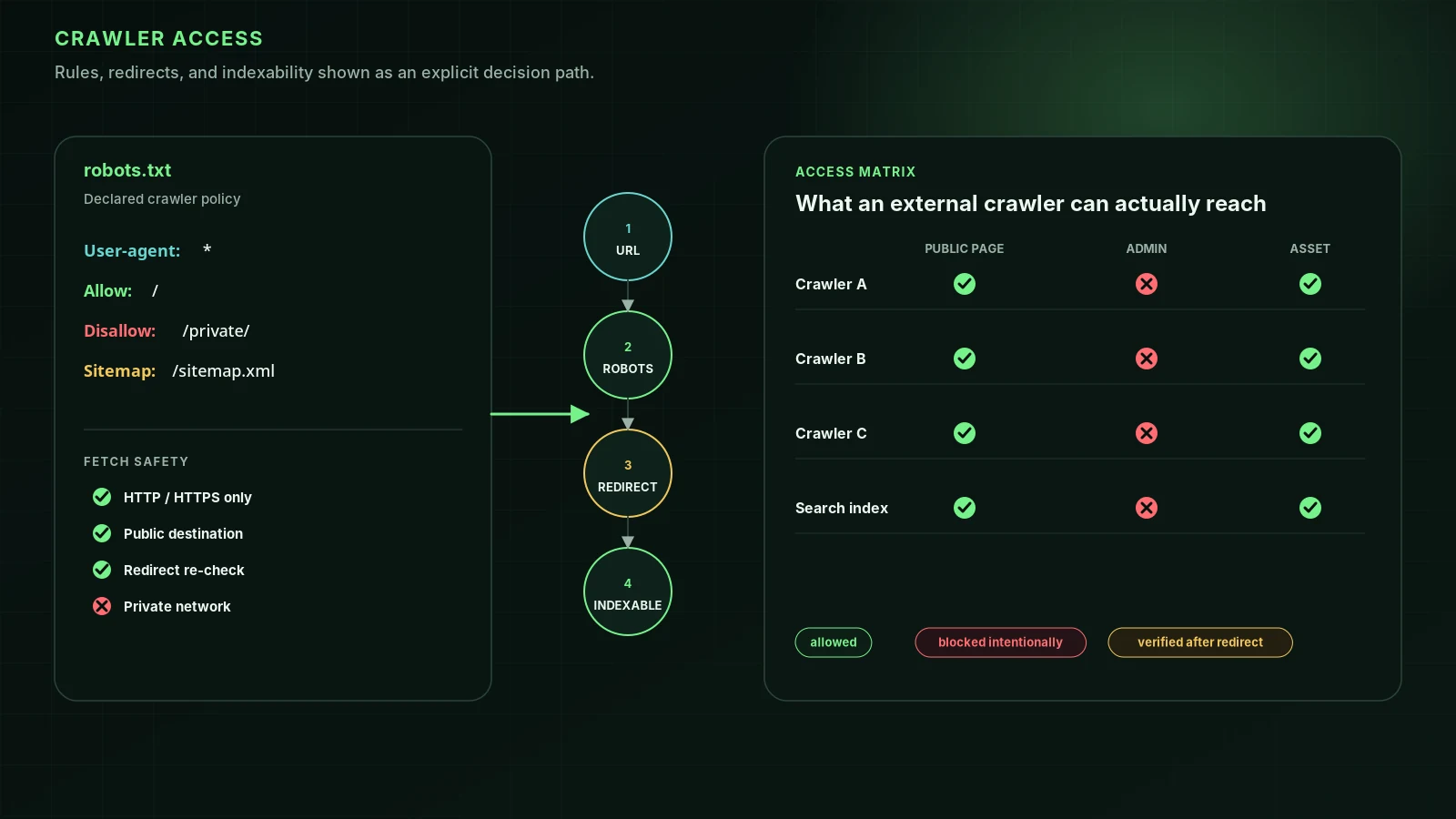
| Crawler access | robots.txt and your firewall let Googlebot and the AI search crawlers in |
Weeks 5 to 8: write pages people search for
- List the questions and requests customers bring to you, in their words: "how much does a root canal cost", "wedding photographer in Goa".
- Check Search Console's Performance report for queries you already appear for; those are your quickest wins.
- Make one page per topic. Don't make several near-identical pages for the same search.
- Answer the question in the first two sentences, then give the detail: prices, steps, examples, photos.
- Write for people. Google's guidance is to create helpful, reliable content for your audience, not content made mainly to attract search traffic.
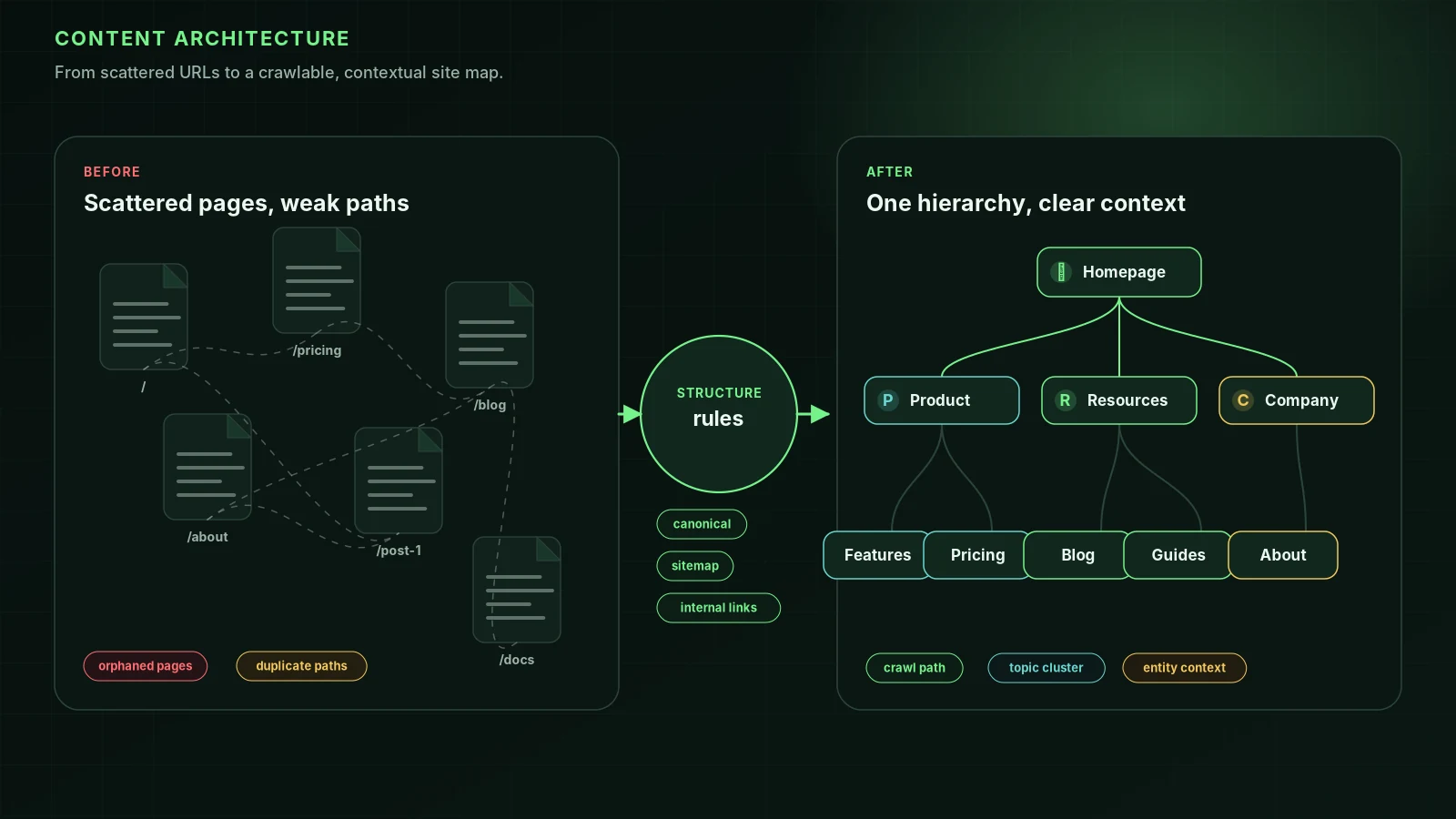
- Link each new page from at least one related page on your site, with descriptive link text.
There's no ideal word count. Google says length alone doesn't affect ranking; a complete answer does. For more, see keyword research and SEO copywriting.
Weeks 9 to 12: get mentioned and measure
- Local business: create and complete your Google Business Profile. See the local SEO guide.
- Get listed in the directories and associations of your industry.
- Share your best page with people who'd find it useful: customers, partners, local groups, industry newsletters.
- Set up analytics with goals for enquiries or sales, not just visits.
- Each month, compare Search Console clicks and impressions with the month before, and improve the page with the most impressions and the fewest clicks.
What beginners can safely ignore
- Meta keywords: Google Search doesn't use them.
- Exact word counts: there's no minimum or ideal length.
- Keywords in the domain name: hardly any ranking effect.
- Buying backlinks: it breaks Google's spam policies. See black hat vs white hat SEO.
- "LSI keywords": not a Google concept. See LSI keywords.
After 90 days
Keep the monthly routine: one new or improved page, one check of Search Console, one round of fixes. When the basics are in place, the next steps are improving your Google ranking on the pages that are close to page one, and a full technical SEO checklist if your site is large. Your platform's guide is in SEO by platform.
FAQ
Can a beginner do SEO without paying for tools?+
Yes. Google Search Console is free and shows which searches bring you clicks, which pages are indexed and which have errors. Add a free page audit to check technical basics, and you have what most small sites need.
How many hours a week does SEO take?+
For a small business site, a few focused hours a week is enough to follow this plan. Most of the time goes into writing and improving pages, not technical work.
What should I do first in SEO?+
Set up Google Search Console and check that your important pages are indexed. Nothing else matters until Google can find and store your pages.
How soon will I see results?+
Google says some changes show within hours and others take months, and suggests waiting a few weeks before judging. Expect the first movement in Search Console impressions before clicks.
Sources
- SEO Starter Guide — Google Search Central (2025-12-10)
- Get started with Search Console — Google Search Central
- Build and submit a sitemap — Google Search Central
- Creating helpful, reliable, people-first content — Google Search Central
Run it on your domain
See this lens as a finding, not a lecture.
Free technical GEO audit. Evidence-traced scores, LLM-ready export, no login.
Audit your website